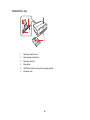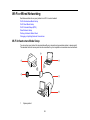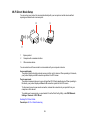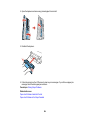
1
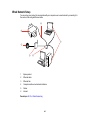
2
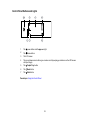
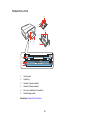
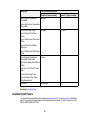
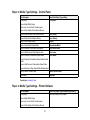
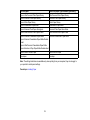
Wireless router or access point
3
Computer with a wireless interface
4
Computer
5
Internet
6
Ethernet cable (used only for wired connection to the wireless router or access point)
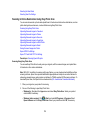
Selecting Wireless Network Settings From the Control Panel
Parent topic: Wi-Fi or Wired Networking
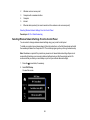
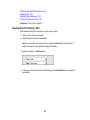
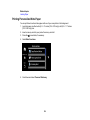
Selecting Wireless Network Settings From the Control Panel
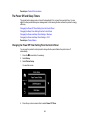
You can select or change wireless network settings using your product control panel.
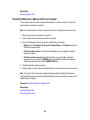
To install your product on a wireless network, follow the instructions on the Start Here sheet and install
the necessary software from the product CD. The installer program guides you through network setup.
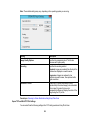
Note: Breakdown or repair of this product may cause loss of network data and settings. Epson is not
responsible for backing up or recovering data and settings during or after the warranty period. We
recommend that you make your own backup or print out your network data and settings.
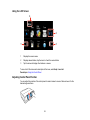
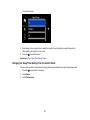
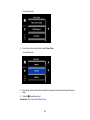
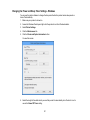
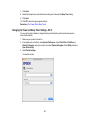
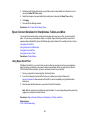
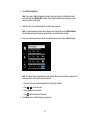
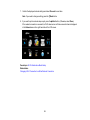
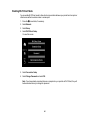
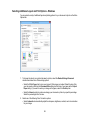
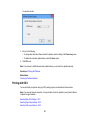
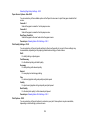
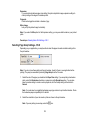
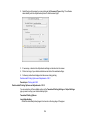
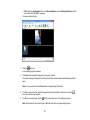
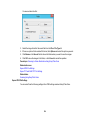
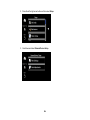
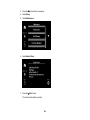
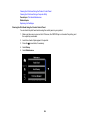
1. Press the
home button, if necessary.
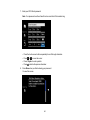
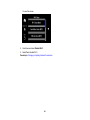
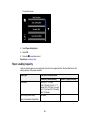
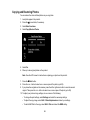
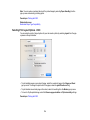
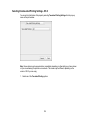
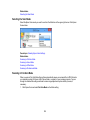
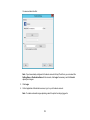
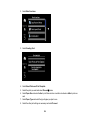
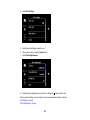
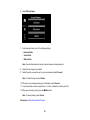
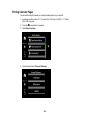
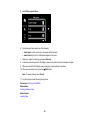
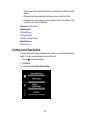
2. Select Wi-Fi Setup.
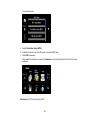
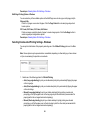
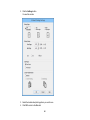
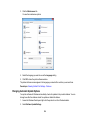
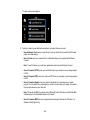
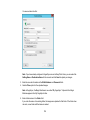
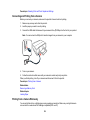
You see this screen:
36