1
TECAN
10.4
10. Miscellaneous
User Administration (magellan Tracker)
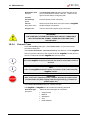
There are three types of administrators mentioned in this publication:
System Administrator is responsible for any changes made to the computer’s
operating system.
User Administrator is responsible for user rights in the magellan software.
magellan Administrator has access to all features of the magellan software,
but cannot change user rights.
magellan offers password protection to prevent misuse of the software and to
restrict access to parts of the software based on user rights.
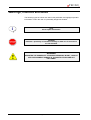
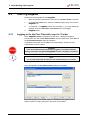
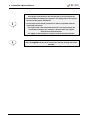
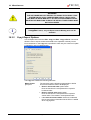
Caution
To prevent the misuse of user rights and falsification of data,
it is recommended that the User Administrator not have magellan rights
(i.e. does not belong to a magellan User Group).
Ideally, the User Administrator should belong to the IT department.
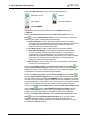
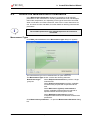
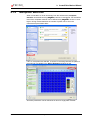
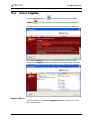
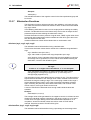
Select miscellaneous
administration icon
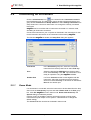
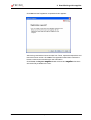
in the wizard window and click the User
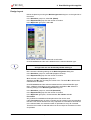
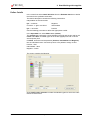
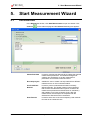
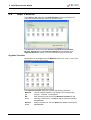
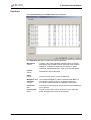
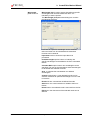
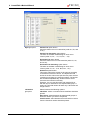
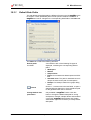
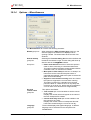
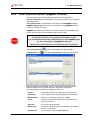
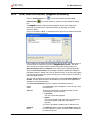
. The User Administration dialog box is displayed:
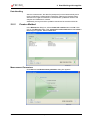
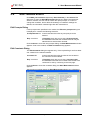
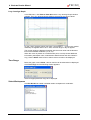
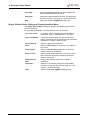
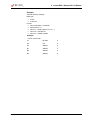
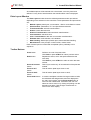
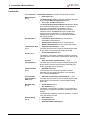
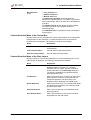
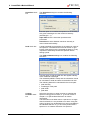
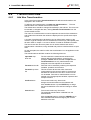
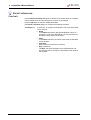
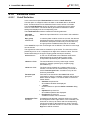
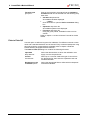
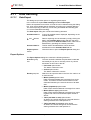
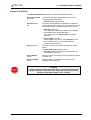
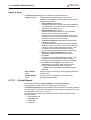
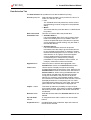
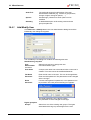
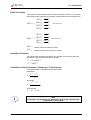
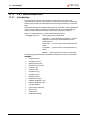
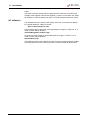
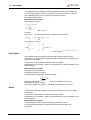
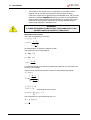
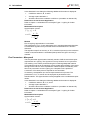
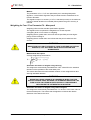
Users and groups can be added, edited, or deleted and user rights can be
defined. Options for login, password, and email can be customized.
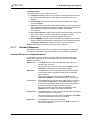
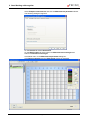
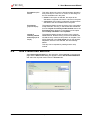
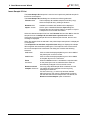
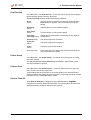
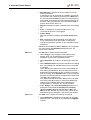
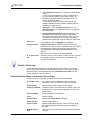
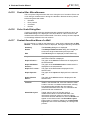
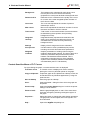
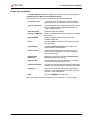
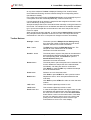
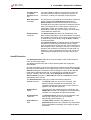
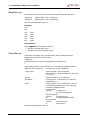
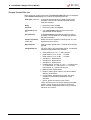
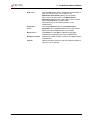
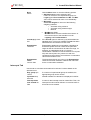
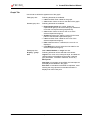
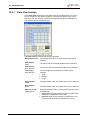
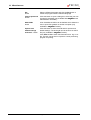
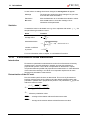
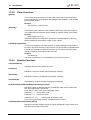
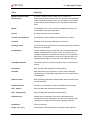
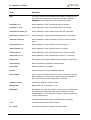
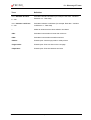
The Setup dialog box contains the following elements:
2006-01
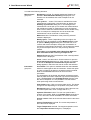
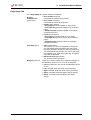
Groups
The group list shows all existing groups (user levels).
Add Group
A new group with corresponding rights can be created.
Modify Group
Rights of an existing group can be modified
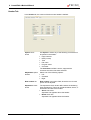
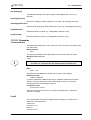
Users
The user list shows all existing users and which group
they are member of.
Add User
A new user can be created.
Modify User
Full name, user level (group) or password of an existing
user can be changed.
Disable User
A user account can be enabled/disabled.
Instructions for Use for magellan No. 30019874 Rev No. 1.0
10-13