1
TECAN
10. Miscellaneous
10.3
Options
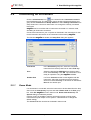
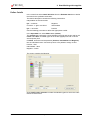
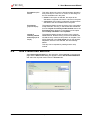
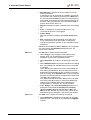
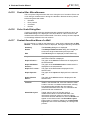
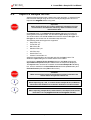
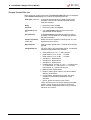
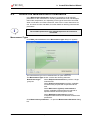
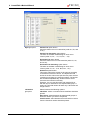
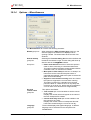
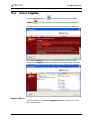
Several selections and adjustments which are valid throughout the complete
menus and wizards of magellan are defined in the Options dialog box. If
magellan user administration is activated, several settings are user dependent.
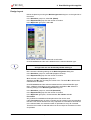
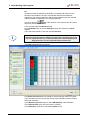
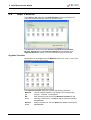
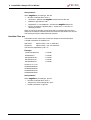
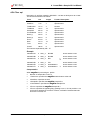
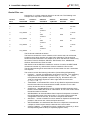
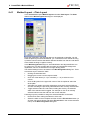
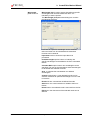
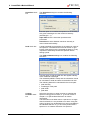
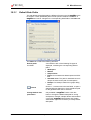
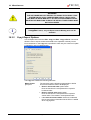
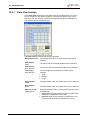
The Options dialog box is divided into individual tabs:
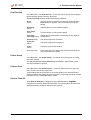
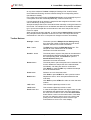
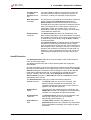
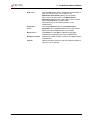
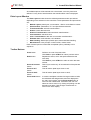
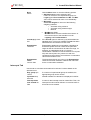
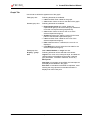
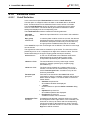
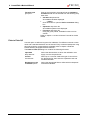
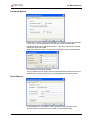
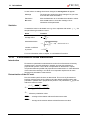
• Paths tab
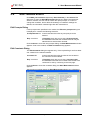
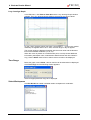
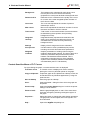
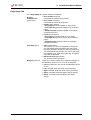
• Copy tab
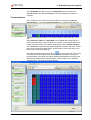
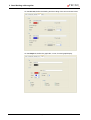
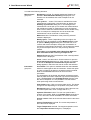
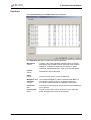
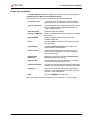
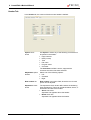
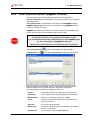
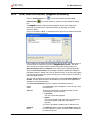
• Plate View tab
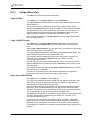
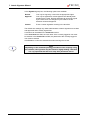
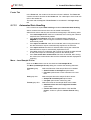
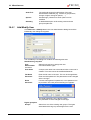
• Miscellaneous tab
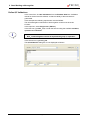
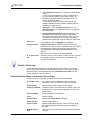
The requested options have to be entered in the corresponding tabs. Click OK to
save the changes and to close the dialog box.
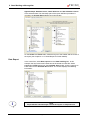
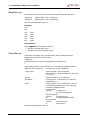
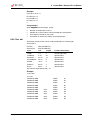
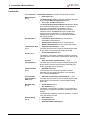
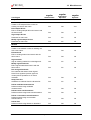
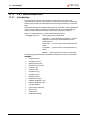
User dependent options (every user can modify the options for his convenience)
are:
•
Default paths (only in magellan Standard)
•
Copy to clipboard and Excel options
•
Plate view
•
Skip welcome page
•
Start with wizard list or favorites page
•
Move plate in after startup
The following user dependent option can not be set in the options dialog box:
•
•
•
•
•
•
•
•
Selected Printer
Printout orientation.
Printout paper size and source.
Printout font and color.
Default identifier types.
Jumping direction for sample ID input.
Import raw data settings.
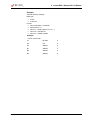
Default for Export options, Export to ASCII file, Export to Excel, and
Workspace Name.
•
Use stacker
•
Graph dialog box size
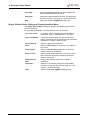
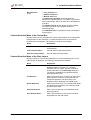
The following options can only be modified by a user with the appropriate right.
These options are then valid for all users:
•
•
•
•
•
Language
Demo mode allowed
Suppress 'not monotone' warning for standard curve
Favorites
Accepted HUIDs
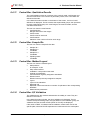
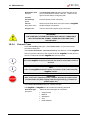
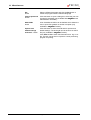
Note
In magellan Standard the data path can be set by the user, in magellan
Tracker the data path is a general setting, valid for all users.
10-6
Instructions for Use for magellan No. 30019874 Rev No. 1.0
2006-01