1
TECAN
2. Start Working with magellan
Organize Printed Report
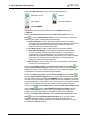
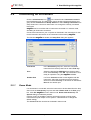
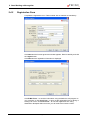
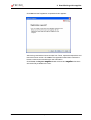
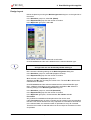
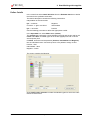
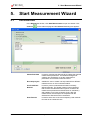
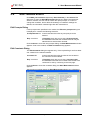
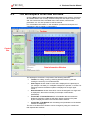
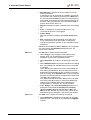
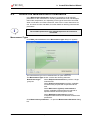
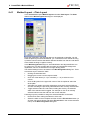
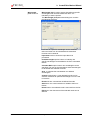
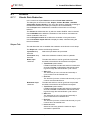
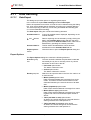
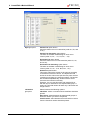
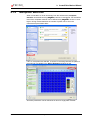
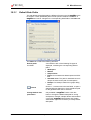
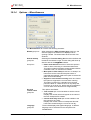
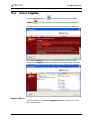
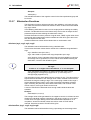
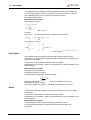
In the control bar, click Printed report from the Data handling item. The
following screen is displayed:
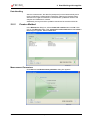
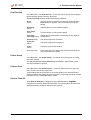
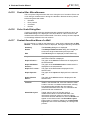
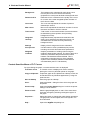
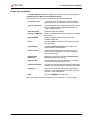
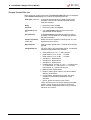
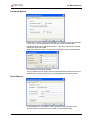
On the Data selection tab, all available report data is contained in the Available
data box. Using the Insert and Append buttons, data can be transferred into the
Selected data box. Data can also be transferred using drag-and-drop.
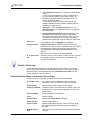
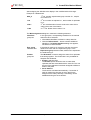
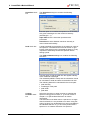
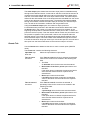
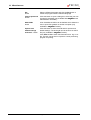
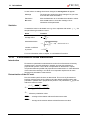
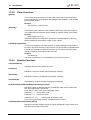
In the Print as box, choose between printing the data as a matrix or as a list with
a special orientation.
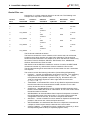
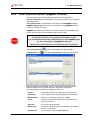
In this example a report containing the measurement parameters, plate layout,
blanked values, standard curve, IgM-concentrations, cutoff definition, qualitative
results of the samples and validations should be created.
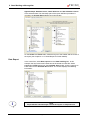
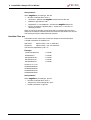
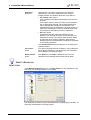
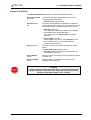
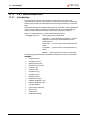
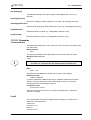
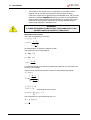
Before creating the report, the default Matrix Difference data must be removed
from the Selected data box. So only Measurement parameters remain in the
Selected data box.
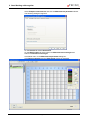
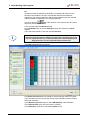
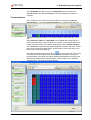
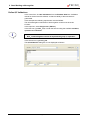
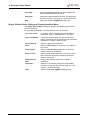
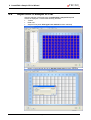
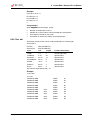
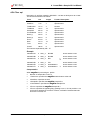
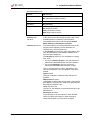
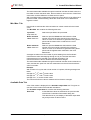
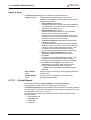
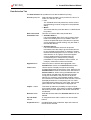
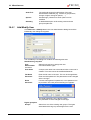
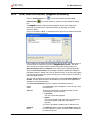
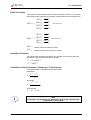
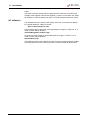
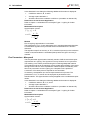
Select Method layout/Layout in the Available data box and attach it as a matrix
to the report by clicking Append. Then insert Blank reduction, Mean conc.
(UA/mL) and Cutoff results into the matrix.
2006-01
Instructions for Use for magellan No. 30019874 Rev No. 1.0
2-23