1
VK STEEL
DESCRIPTION AND ANALYSIS OF STEEL CONSTRUCTIONS
2.
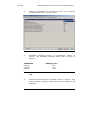
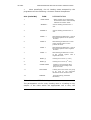
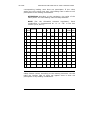
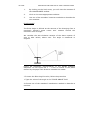
σb: Concrete’s stress on section in kg/cm² according to
DIN or in KN according to Ν. Κ.O.S.
3.
M: Moment in T according to DIN or in KN according to Ν.
Κ.O.S.
4.
L. C.: The loading combination off which the concrete
stress’s and the moment’s value resulted.
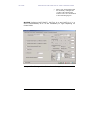
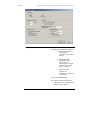
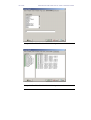
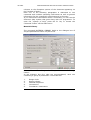
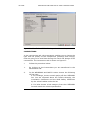
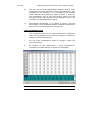
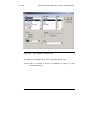
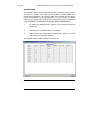
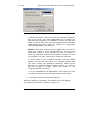
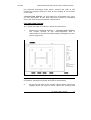
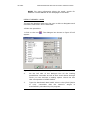
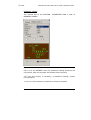
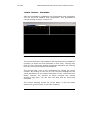
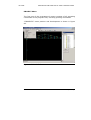
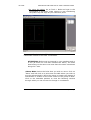
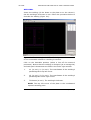
•SHOW STRESSES
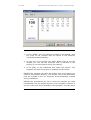
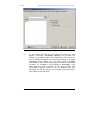
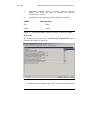
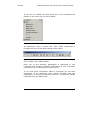
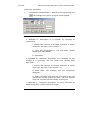
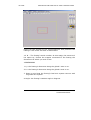
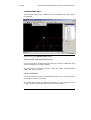
By selecting this option, the user can view the list of the loading
combinations given in PARAMETERS > LOAD COMBINATIONS.
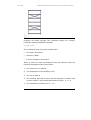
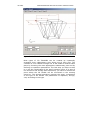
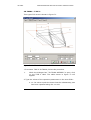
By choosing any of the loading combinations, we can view their
corresponding stresses’ graphic representation in the central part
of the screen (for the allowable stresses’ method values are given
in kg/cm² while for the ultimate resistance method values are
given in N/cm²).
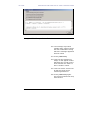
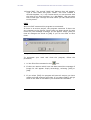
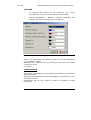
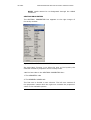
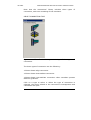
•The following function keys appear on the bottom right part of
the window.
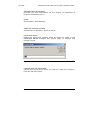
1. RESULTS
2. VERIFICATION
3. EXIT
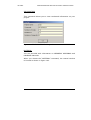
•RETURN
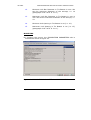
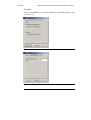
By activating the RETURN key on the second scrren of
dimensions set, the programme will return to the footing’s
analysis’ initial screen. On the first screen of dimension’s
set, the following keys are activated:
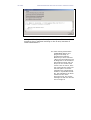
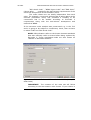
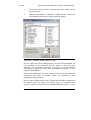
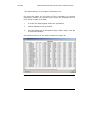
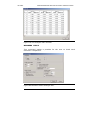
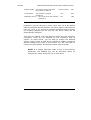
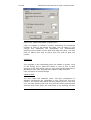
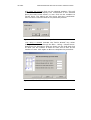
•RESULTS
After the footing’s dimensions are set, the RESULTS
function key is activated. By pressing it, we can view the
results of the dimensions’ setting again on the second
screen.
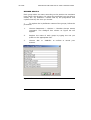
• VERIFICATION
All the information given above is still valid. If you make
any changes to the footing’s dimensions, if you add more
loads for example, you can use this function key to reanalyse and re-set the footing’s dimensions.
198
CHAPTER 8 COLUMN BASE DESIGN
FOUNDATION DESIGN