1
VK STEEL
DESCRIPTION AND ANALYSIS OF STEEL CONSTRUCTIONS
VIEW Menu
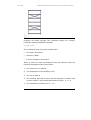
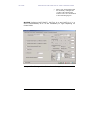
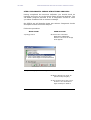
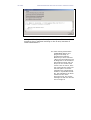
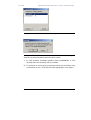
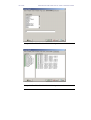
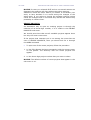
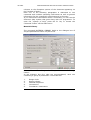
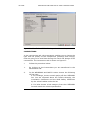
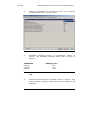
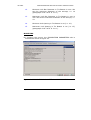
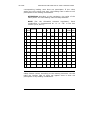
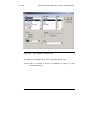
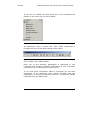
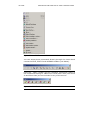
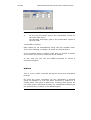
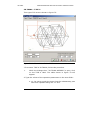
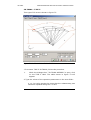
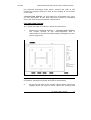
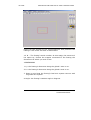
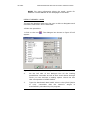
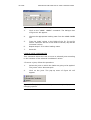
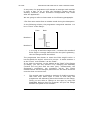
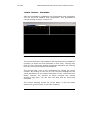
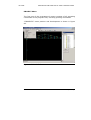
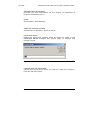
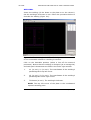
Choose the elements that you wish to view on your screen. Figure
106 shows the position and development of the VIEW menu.
Figure 106 The VIEW menu.
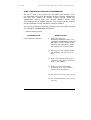
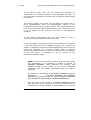
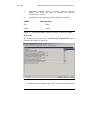
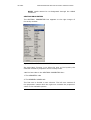
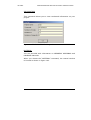
TOOLBARS
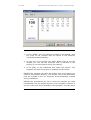
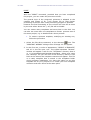
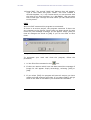
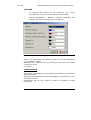
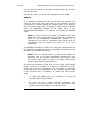
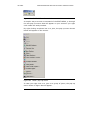
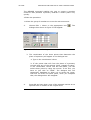
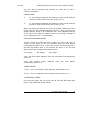
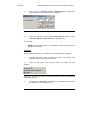
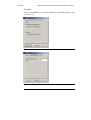
Use this option to make Toolbar, visible or not visible.
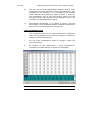
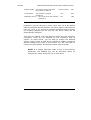
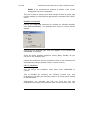
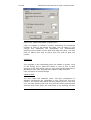
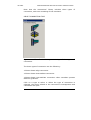
Figure 107 The Toolbar
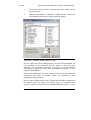
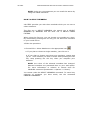
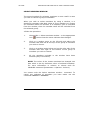
Most of the Toolbar’s keys already exist in a menu.
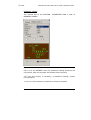
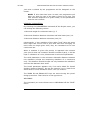
If you let the mouse indicator to rest on one of these keys, the
tool tip which designates each key’s operation will appear.
VK STEEL USER’S GUIDE
237