1
VK STEEL
DESCRIPTION AND ANALYSIS OF STEEL CONSTRUCTIONS
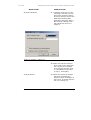
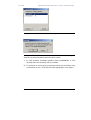
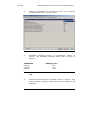
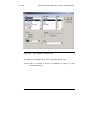
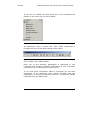
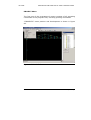
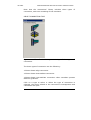
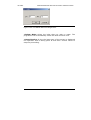
In step 4, in the fly-out menu, if instead of choosing the usual
command “Insert Selected Sections” you choose the command
“Select all”, it is obvious that all the sections of the table will be
added in the PROJECT LIBRARY . (Generally we do not
recommend the use of the particular command).
NOTE: The steel qualities are 3 for the Eurocode EC3 and
two for the allowable stresses (DIN). In other words, the
formation of this part depends on the regulation selected in
the first tab “Design Codes”.
IMPORTANT It is not feasible to un-choose a section but
this is not a problem because the PROJECT LIBRARY, the file
of the programme where the selected sections are stored,
can take an unlimited number of sections. Despite that, you
should be cautious when choosing section so as to choose for
the PROJECT LIBRARY about as many as you are going to
need for your own convenience. Remember that you can add
new section for the PROJECT LIBRARY any time you return to
that tab.
MATERIAL PROPERTIES
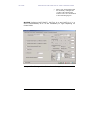
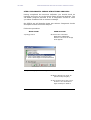
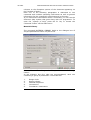
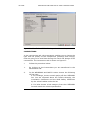
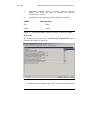
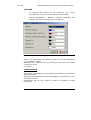
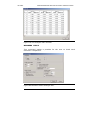
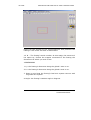
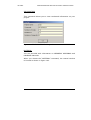
The third tab is the Material Properties one.
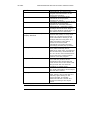
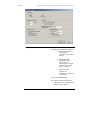
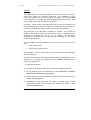
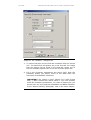
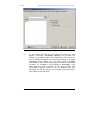
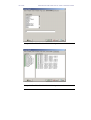
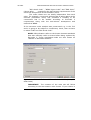
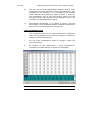
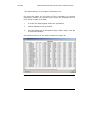
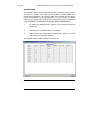
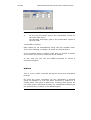
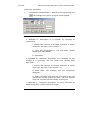
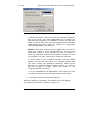
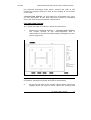
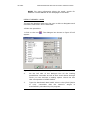
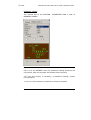
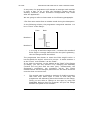
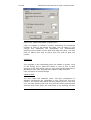
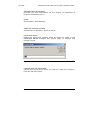
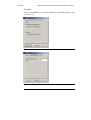
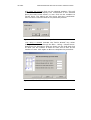
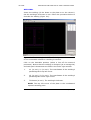
The contents of this tab as well, depend directly on the CODE you
have chosen in the Design Code tab. For NEAK, this tab is shown
on figure 36.
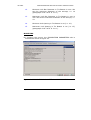
We should point out that no change is necessary for the
parameters of the steel quality.
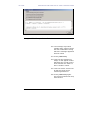
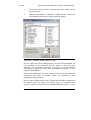
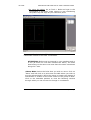
If you still wish to modify a value, in the “VALUE” column you can
choose the cell of your interest by clicking on it and then click
again to open the cell. The cell accepts the new value if it
becomes white from grey. You can then type the value in the cell.
VK STEEL USER’S GUIDE
101