1
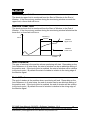
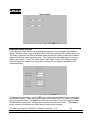
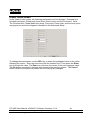
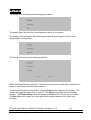
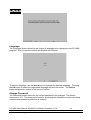
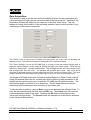
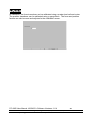
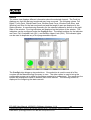
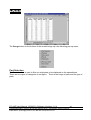
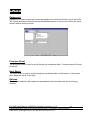
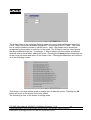
Once the password is entered correctly and the Ok button is press, the following screen
will appear.
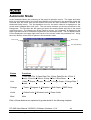
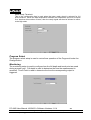
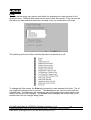
To select one of the six options, either press the number of the desired option or use the
Arrow keys to highlight and then press the Enter key to select the highlighted option.
The Exit button will escape out of this screen to the current view selected.
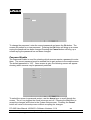
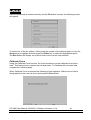
Calibrate Force
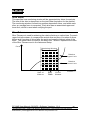
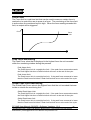
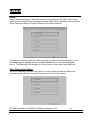
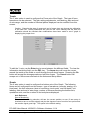
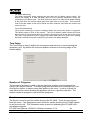
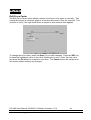
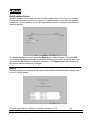
Using the Calibrate Force function, the force transducer can be calibrated to a known
load. This load can be a master load cell and meter. To Calibrate with a known load,
complete the following steps.
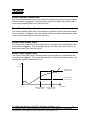
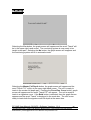
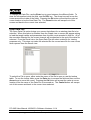
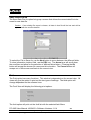
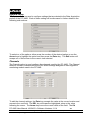
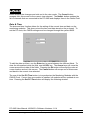
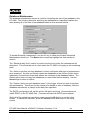
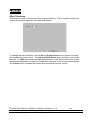
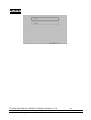
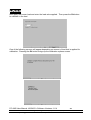
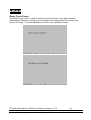
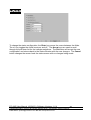
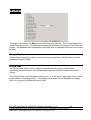
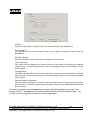
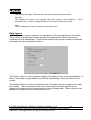
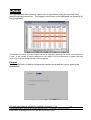
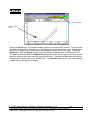
When Calibrate Force is selected the following screen appears. Make sure no load is
being applied to the load cell (ram) and press the Zero button.
PC AMS User Manual •06/24/03 • Software Versions: 1.6.4
11429 East Grand River • P.O.Box 748 • Brighton, Michigan 48116 • (810) 229-9334 • FAX (810) 229-8125
E-Mail Address: [email protected] • Web Site: www.promessinc.com
-51-