1
Section 5
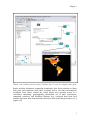
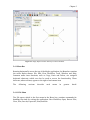
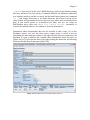
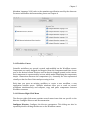
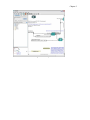
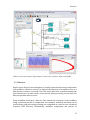
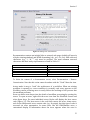
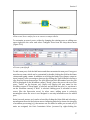
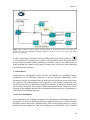
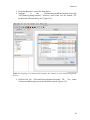
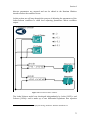
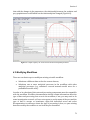
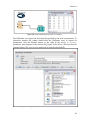
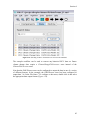
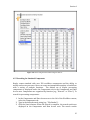
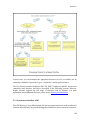
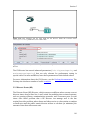
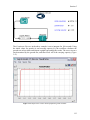
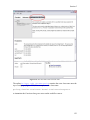
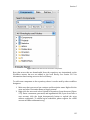
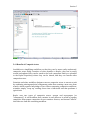
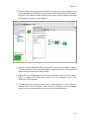
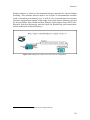
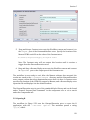
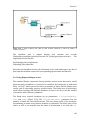
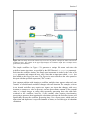
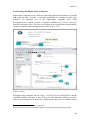
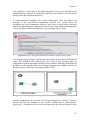
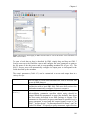
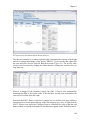
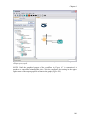
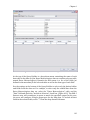
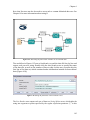
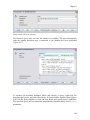
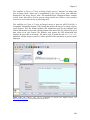
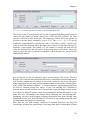
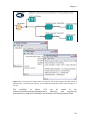
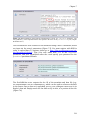
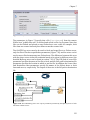
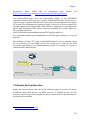
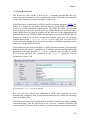
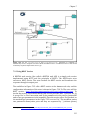
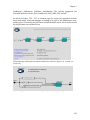
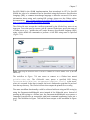
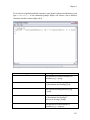
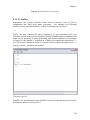
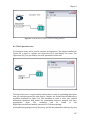
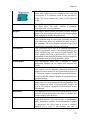
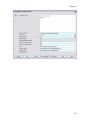
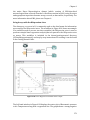
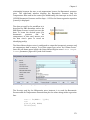
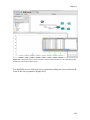
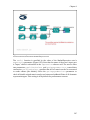
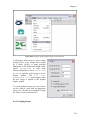
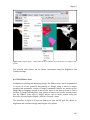
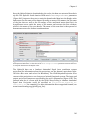
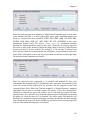
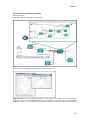
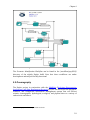
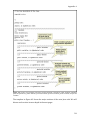
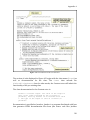
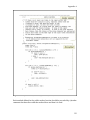
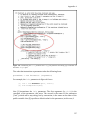
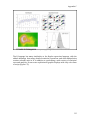
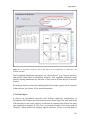
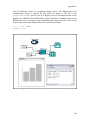
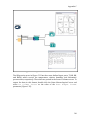
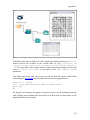
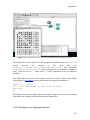
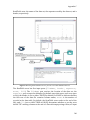
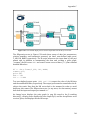
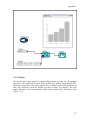
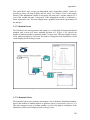
Figure 5.36: Customizing the ports of a composite actor.
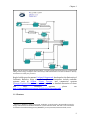
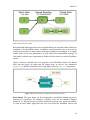
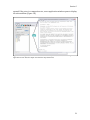
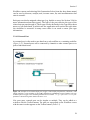
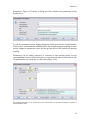
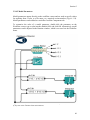
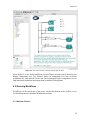
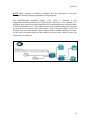
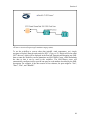
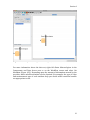
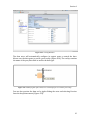
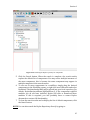
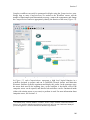
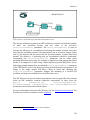
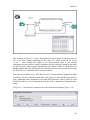
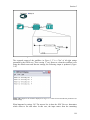
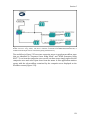
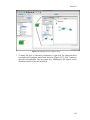
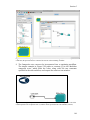
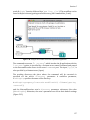
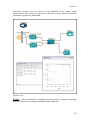
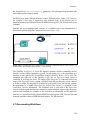
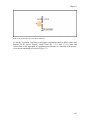
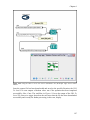
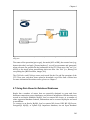
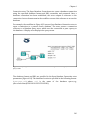
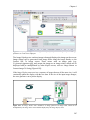
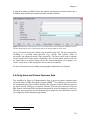
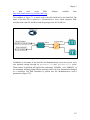
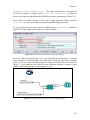
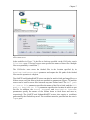
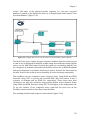
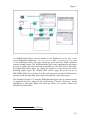
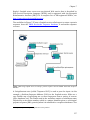
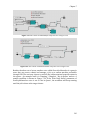
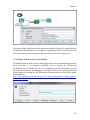
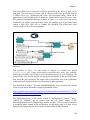
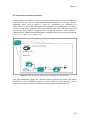
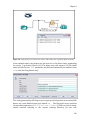
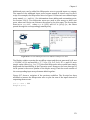
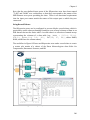
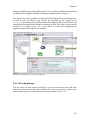
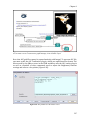
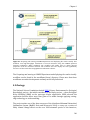
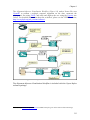
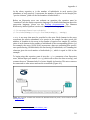
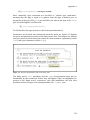
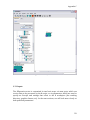
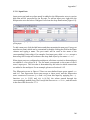
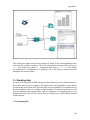
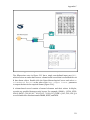
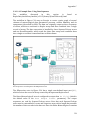
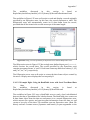
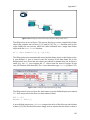
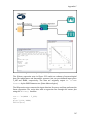
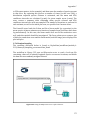
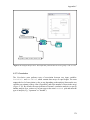
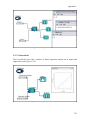
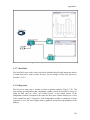
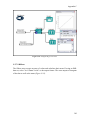
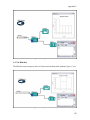
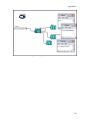
8. To connect the new port, simply draw a channel between the port and an
actor's input port (Figure 5.38). The port must also be connected to an actor
in the containing workflow. Otherwise, an error may be generated.
143