1
Section 4
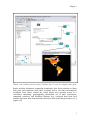
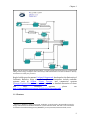
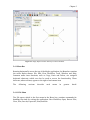
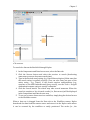
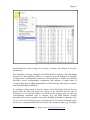
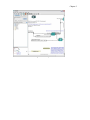
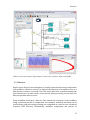
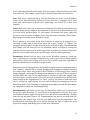
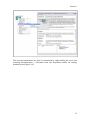
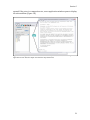
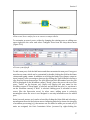
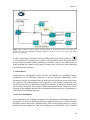
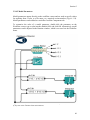
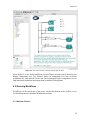
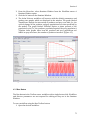
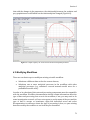
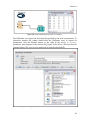
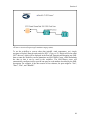
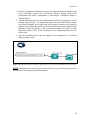
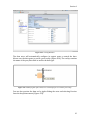
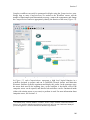
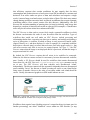
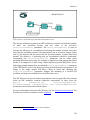
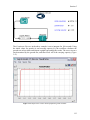
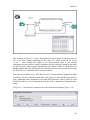
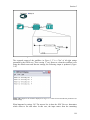
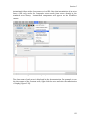
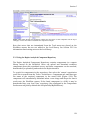
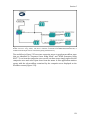
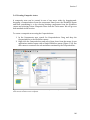
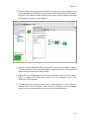
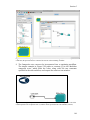
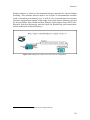
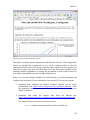
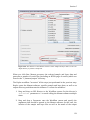
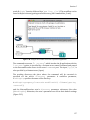
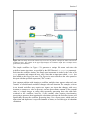
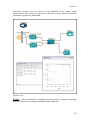
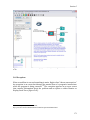
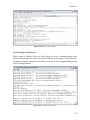
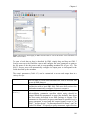
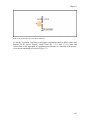
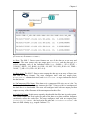
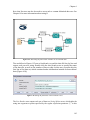
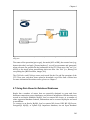
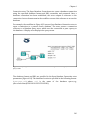
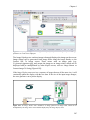
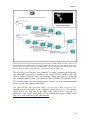
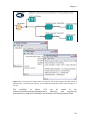
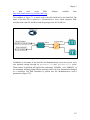
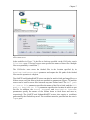
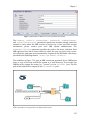
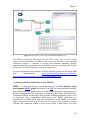
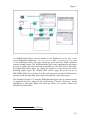
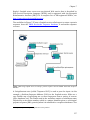
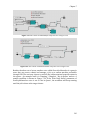
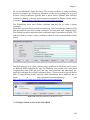
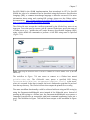
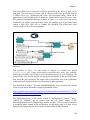
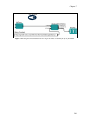
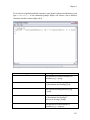
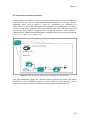
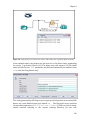
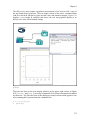
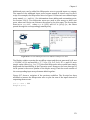
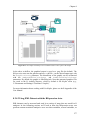
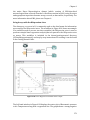
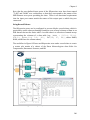
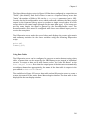
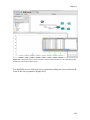
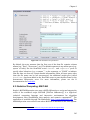
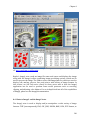
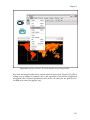
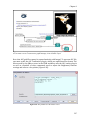
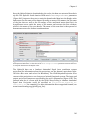
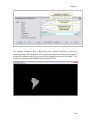
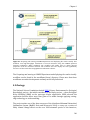
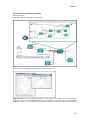
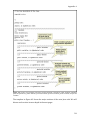
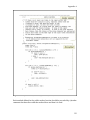
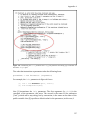
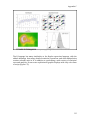
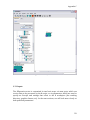
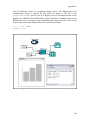
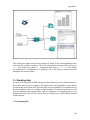
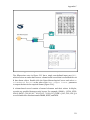
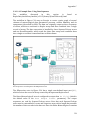
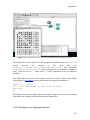
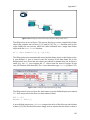
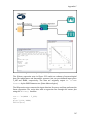
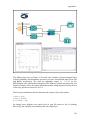
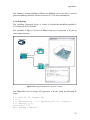
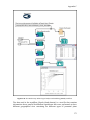
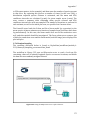
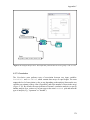
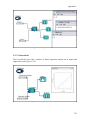
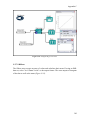
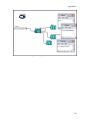
Figure 4.8: Using and displaying local data in a workflow.
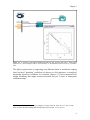
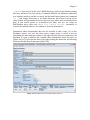
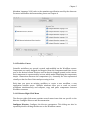
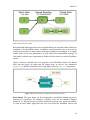
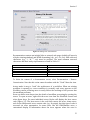
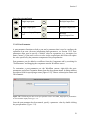
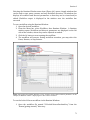
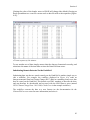
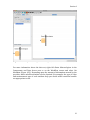
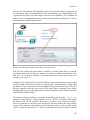
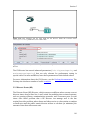
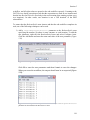
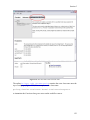
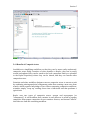
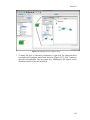
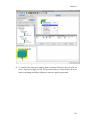
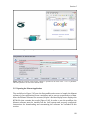
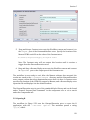
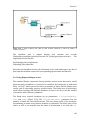
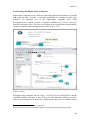
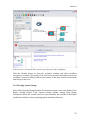
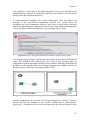
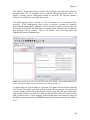
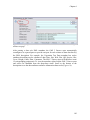
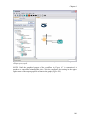
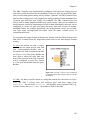
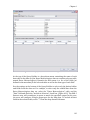
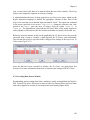
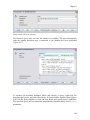
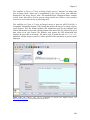
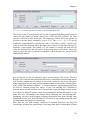
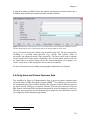
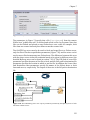
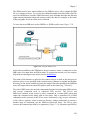
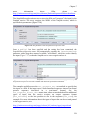
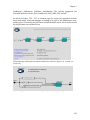
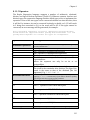
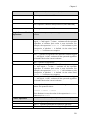
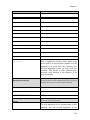
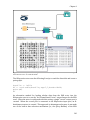
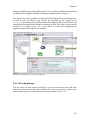
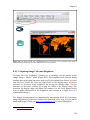
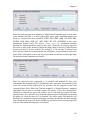
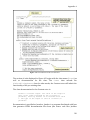
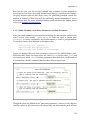
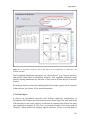
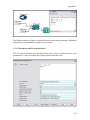
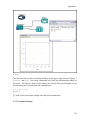
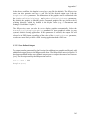
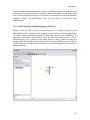
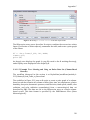
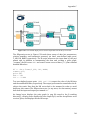
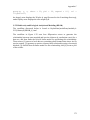
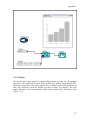
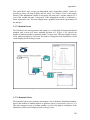
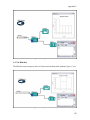
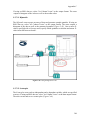
The FileReader actor opens the local data file specified by the actor's parameters. To
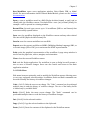
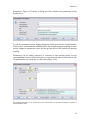
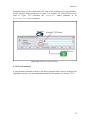
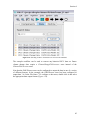
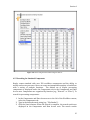
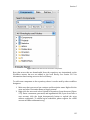
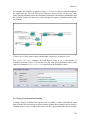
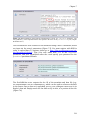
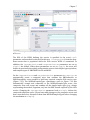
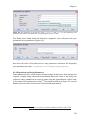
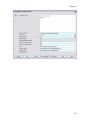
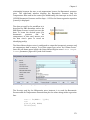
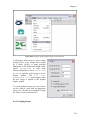
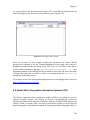
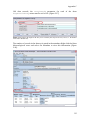
substitute another file, simply double-click the FileReader actor to expose its
parameters, click the Browse button to the right of the actor's fileOrURL
parameter, and navigate to the desired file (Figure 4.10). Select a file and click the
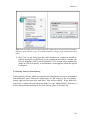
Commit button. The actor is now configured to read the specified file.
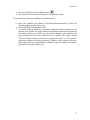
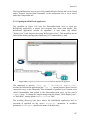
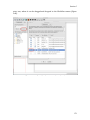
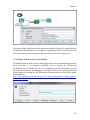
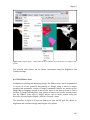
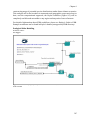
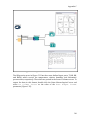
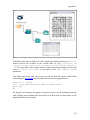
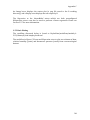
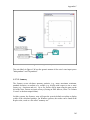
Figure 4.9: Configuring the FileReader actor to use data from your local machine.
80