1
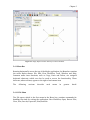
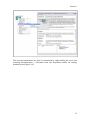
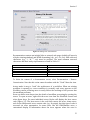
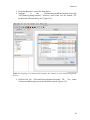
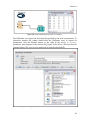
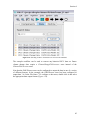
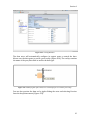
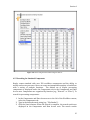
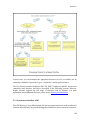
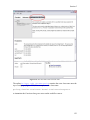
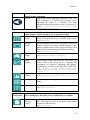
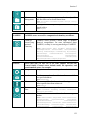
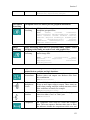
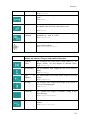
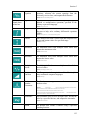
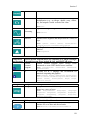
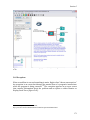
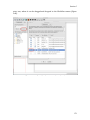
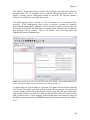
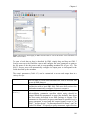
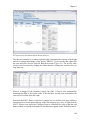
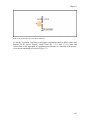
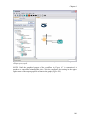
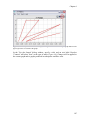
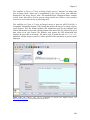
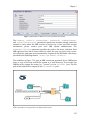
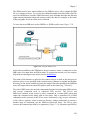
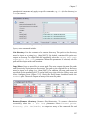
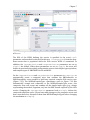
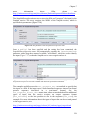
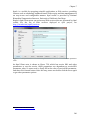
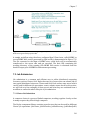
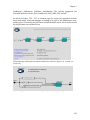
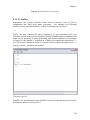
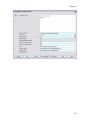
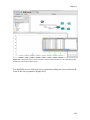
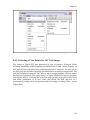
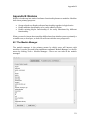
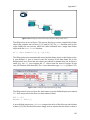
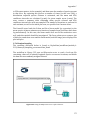
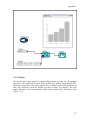
Appendix B Appendix B: Modules Kepler is broken up into units of software functionality known as modules. Modules have three primary purposes: Group related core Kepler software functionality together in logical units. Enable addition functionality to be easily added to Kepler. Enable existing Kepler functionality to be easily substituted by different functionality. What you need to know about modules differs based on whether you are primarily a scientific user, a developer, or both. We will start with the user perspective. B.1 The Module Manager The module manager is the primary means by which users will interact with modules. It can be accessed from standalone command ‘Module Manager’ or the file menu by clicking Tools > Module Manager… There are two tabs in the module manager. 331