1
Limitorque Master Station III FCD LMENIM5001-01 – 05/12
5.2 System Status
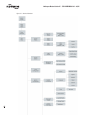
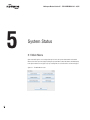
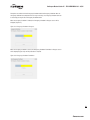
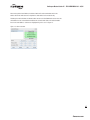
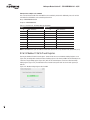
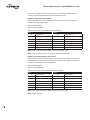
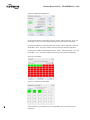
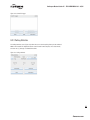
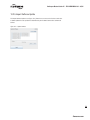
The System Status main screen (Figure 5.2) allows the user to view the overall status of the MOV
network and Master Station.
Figure 5.2 - System Status
5.2.1 Network Status
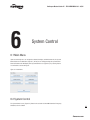
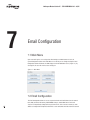
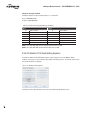
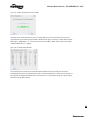
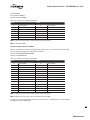
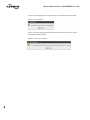
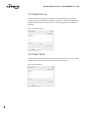
The Network Status screen presents an overview of the entire field unit network, up to 25 activated
MOVs per page. Only those MOVs that have been activated will be displayed. See MOV Network
Config in System Configuration screen to activate desired MOVs.
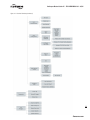
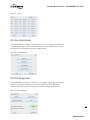
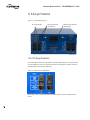
Figure 5.3 - Network Status
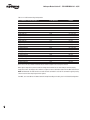
The numeric buttons represent addressed MOVs, while the A and B bars represent associated
MOV communication channels A&B. The MOVs and their respective communication channels are
constantly being monitored and will display green if OK and red if faulted. The user can advance to
the MOV Status screen by either touching an addressed MOV or touching the Back button to return to
System Status screen, and then selecting MOV Status.
19
flowserve.com