1
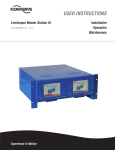
Limitorque Master Station III FCD LMENIM5001-01 – 05/12
9
Diagnostics
9.1 Main Menu
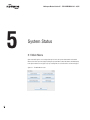
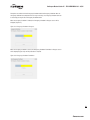
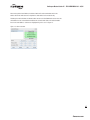
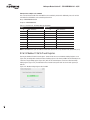
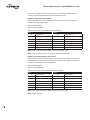
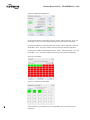
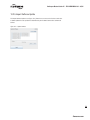
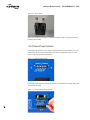
Upon successful login as a user assigned to either Configure or Administrator role level, the
Diagnostics button on the Main Menu screen will be present (Figure 9.1). Simply touching the
Diagnostics button will advance the HMI display to the Diagnostics screen (Figure 9.2). By selecting
Exit, the user will end the session and log out.
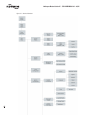
Figure 9.1 - Main Menu
9.2 Diagnostics
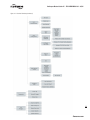
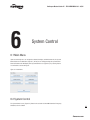
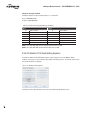
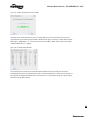
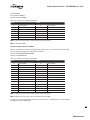
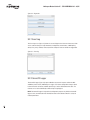
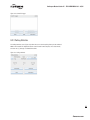
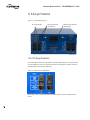
The Diagnostics screen (Figure 9.2) provides the user with accessibility to three core areas of MOV
network data collection. The user may select the Event Log, Communication/Function Code Logger,
or Polling Statistics tab to acquire data related to the respective diagnostic feature.
53
flowserve.com