1
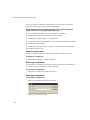
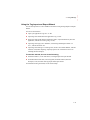
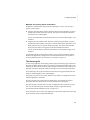
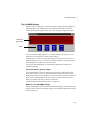
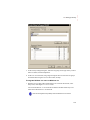
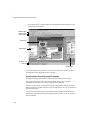
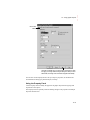
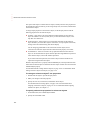
You can use the [ALARM MULTI-LINE] display as is, or modify the display. For
example, you can select which alarm triggers’ alarms to display in the list.
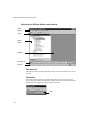
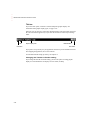
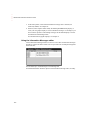
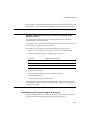
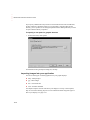
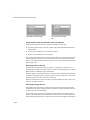
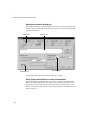
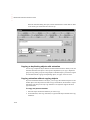
The alarm list graphic object
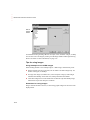
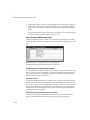
The [ALARM MULTI-LINE] display contains an alarm list graphic object, which lists the
time the alarms occurred and were acknowledged, as well as the alarm messages. You can
set up the alarm list to show any combination of active, inactive, acknowledged, and
unacknowledged alarms. The alarm list in the [ALARM MULTI-LINE] display is set up
to show all alarms (but you can edit it, if desired).
For more information about the alarm list, see page 9-31.
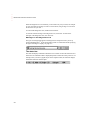
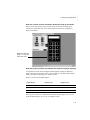
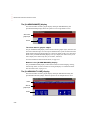
Buttons in the [ALARM MULTI-LINE] display
The [ALARM MULTI-LINE] display contains alarm buttons for acknowledging and
silencing alarms, as well as buttons for scrolling the list and closing the display. For
information about how the buttons work, see page 9-35.
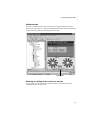
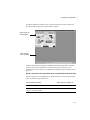
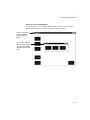
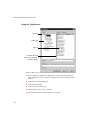
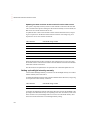
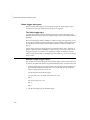
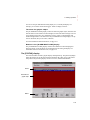
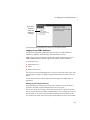
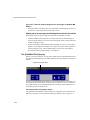
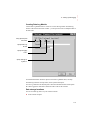
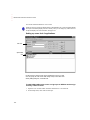
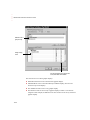
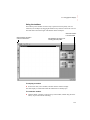
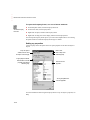
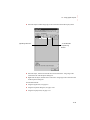
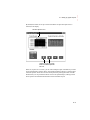
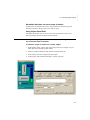
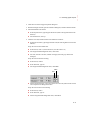
The [STATUS] display
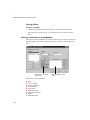
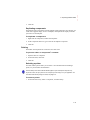
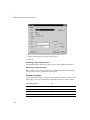
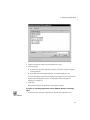
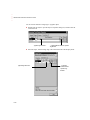
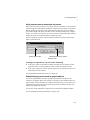
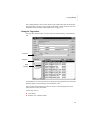
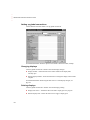
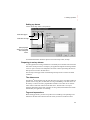
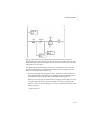
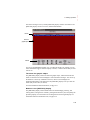
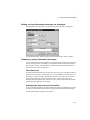
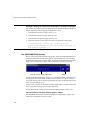
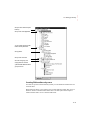
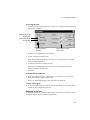
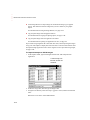
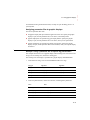
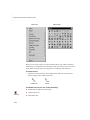
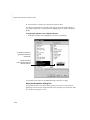
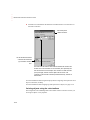
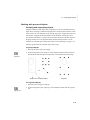
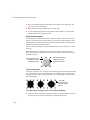
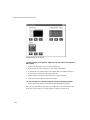
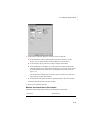
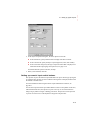
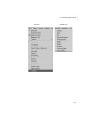
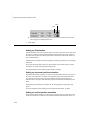
The Libraries folder contains a graphic display called [STATUS]. The [STATUS] display
allows the operator to see the status of all the alarms that have been set up in the Alarm
Setup editor. The [STATUS] display comes in two sizes, 640x480 and 800x600.
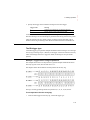
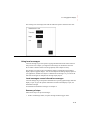
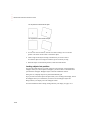
Header
Alarm status list
graphic object
Buttons
9-27
• • • • •
9 • Setting up alarms