1
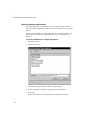
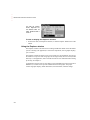
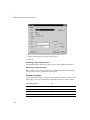
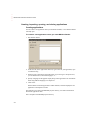
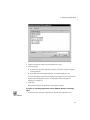
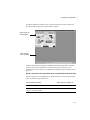
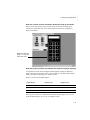
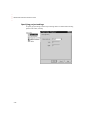
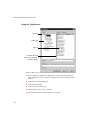
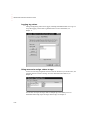
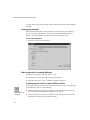
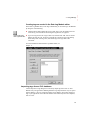
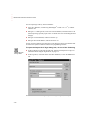
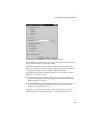
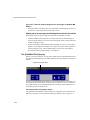
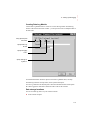
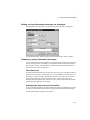
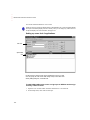
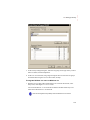
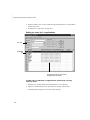
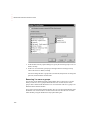
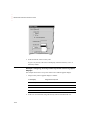
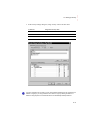
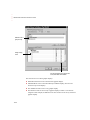
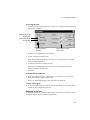
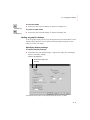
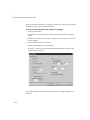
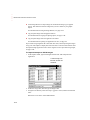
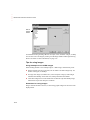
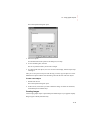
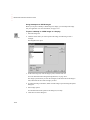
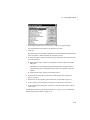
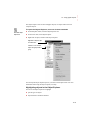
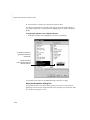
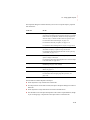
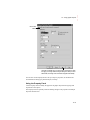
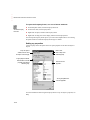
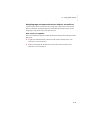
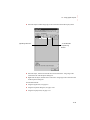
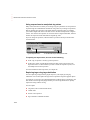
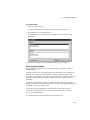
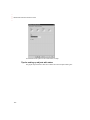
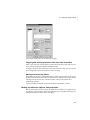
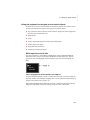
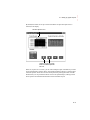
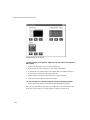
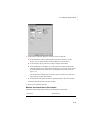
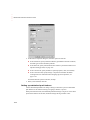
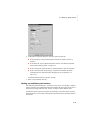
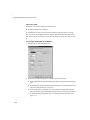
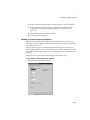
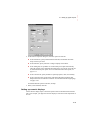
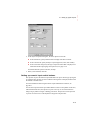
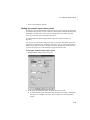
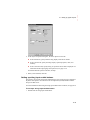
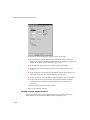
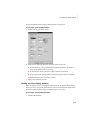
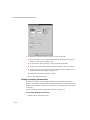
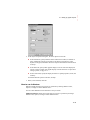
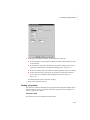
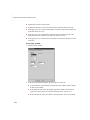
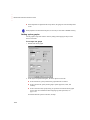
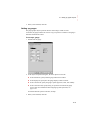
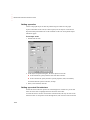
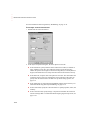
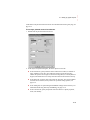
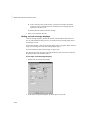
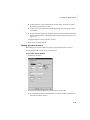
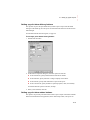
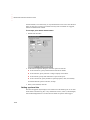
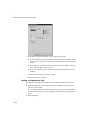
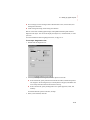
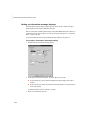
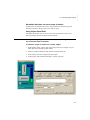
2. In the object’s Properties dialog box, fill in the options on each tab: In the General tab, specify what the string display looks like at runtime. In the Common tab, specify the string display’s spacial properties, name, and visibility. In the Connections tab, specify the tag or expression whose data is displayed. For information about assigning tags and expressions, see page 15-38. For details about the options in the tabs, see Help. 3. When you are finished, click OK. Setting up string input enable buttons The operator can press the string input enable button to open a string pop-up scratchpad or keyboard. The operator can enter text in the scratchpad or keyboard, and then send the string to the data source. For more information about using the string input enable button at runtime, see page 28-6. To set up a string input enable button 1. Double-click the string input enable button. 16-35 • • • • • 16 • Setting up graphic objects