1
3: INSTALLATION AND WIRING
Direct Mounting on Panel Surface
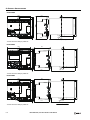
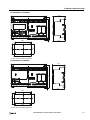
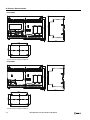
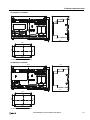
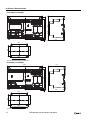
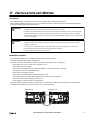
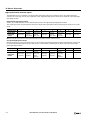
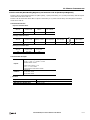
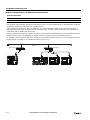
This section describes how to mount the SmartAXIS directly onto a mounting plate for installation in a control panel. The 12- and
24-I/O types are mounted differently from the 40- and 48-I/O types. To mount the SmartAXIS directly, it may be necessary to
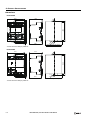
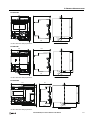
make holes in the mounting plate depending on the SmartAXIS model.
Preparations
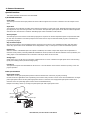
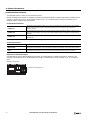
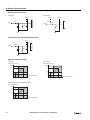
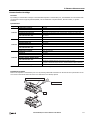
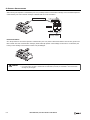
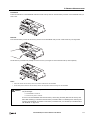
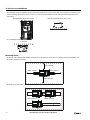
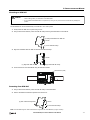
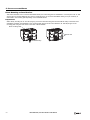
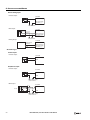
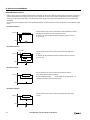
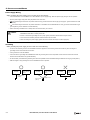
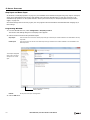
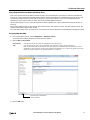
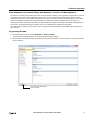
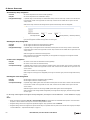
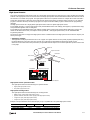
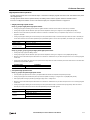
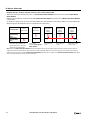
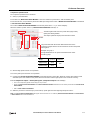
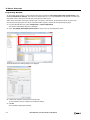
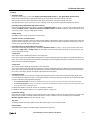
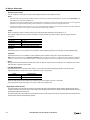
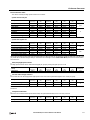
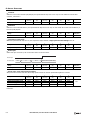
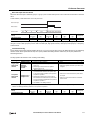
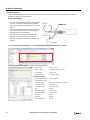
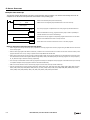
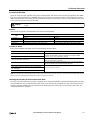
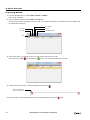
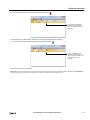
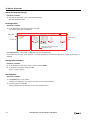
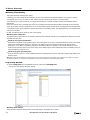
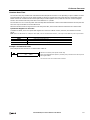
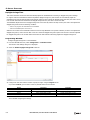
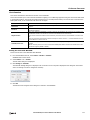
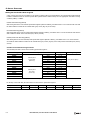
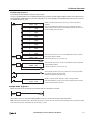
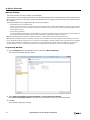
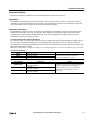
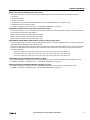
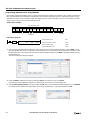
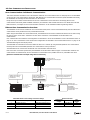
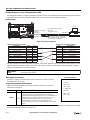
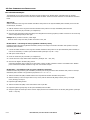
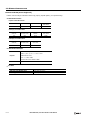
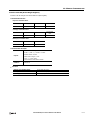
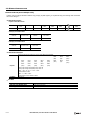
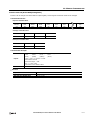
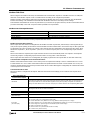
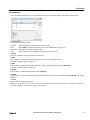
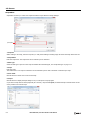
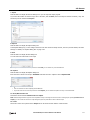
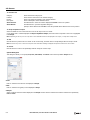
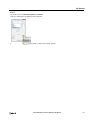
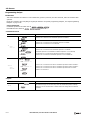
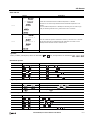
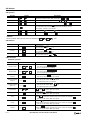
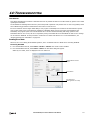
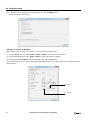
When directly mounting the 12- and 24-I/O types, pull out the direct-mounting plate and the DIN rail clamp on the back of the
SmartAXIS, and attach the SmartAXIS to the mounting plate using the screw holes. Attach the 40- and 48-I/O types to the
mounting plate using the screw holes on the back of the SmartAXIS.
Direct-mounting Plate
Screw Hole
DIN Rail Clamp
3-4
SMARTAXIS PRO/LITE USER'S MANUAL FT9Y-B1378