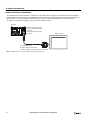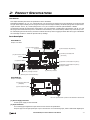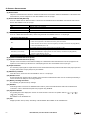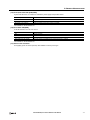
1
6: HMI FUNCTION
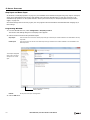
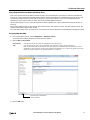
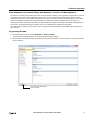
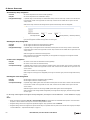
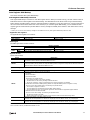
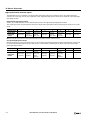
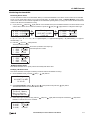
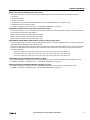
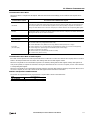
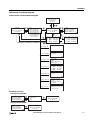
Monitoring the SmartAXIS Status
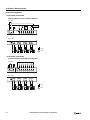
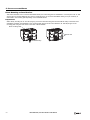
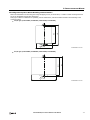
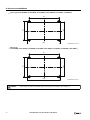
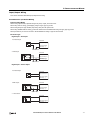
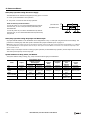
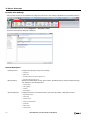
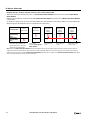
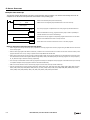
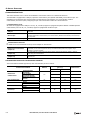
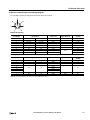
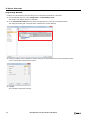
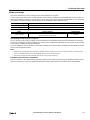
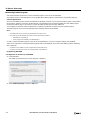
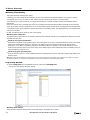
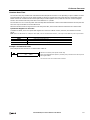
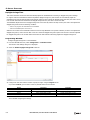
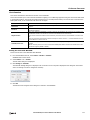
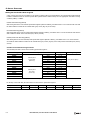
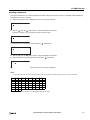
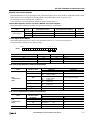
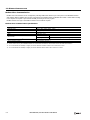
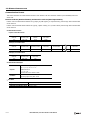
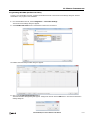
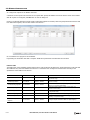
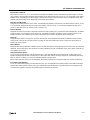
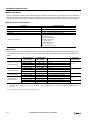
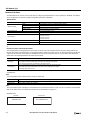
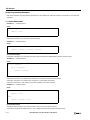
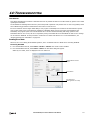
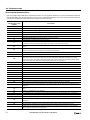
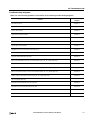
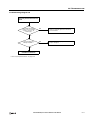
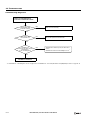
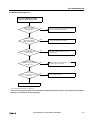
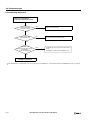
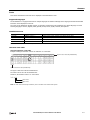
You can check the SmartAXIS system software version, operating status, scan time, and protection status.
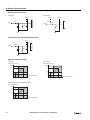
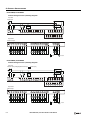
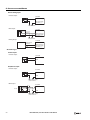
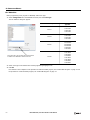
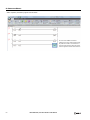
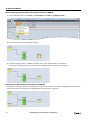
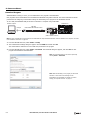
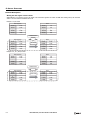
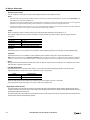
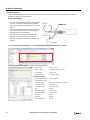
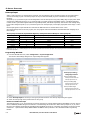
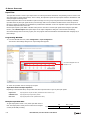
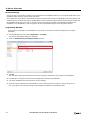
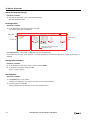
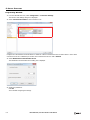
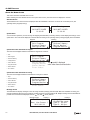
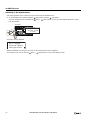
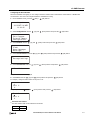
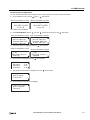
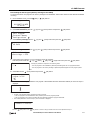
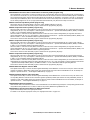
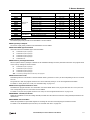
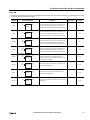
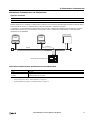
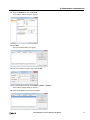
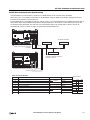
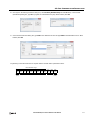
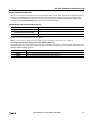
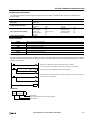
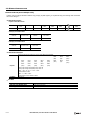
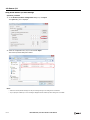
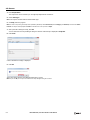
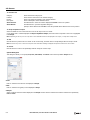
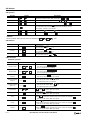
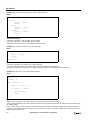
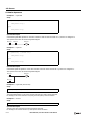
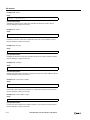
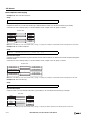
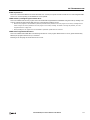
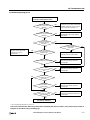
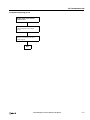
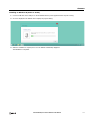
1. On the standard screen, press the
(ESC) +
(OK) buttons.
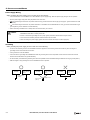
When the SmartAXIS is running
When the SmartAXIS is stopped
Running
Stopped
2012/OCT/10/WED
13:30:40
2012/OCT/10/WED
13:30:40
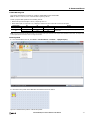
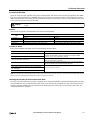
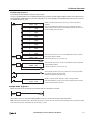
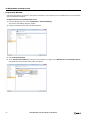
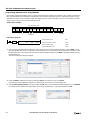
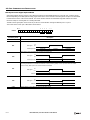
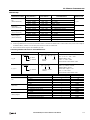
The system menu is displayed.
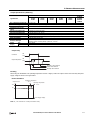
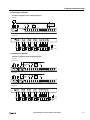
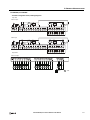
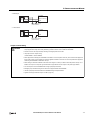
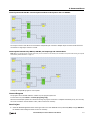
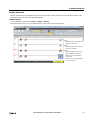
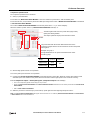
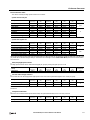
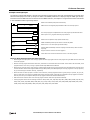
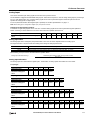
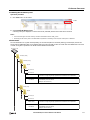
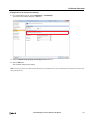
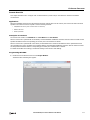
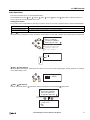
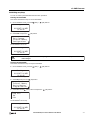
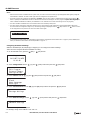
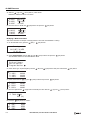
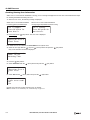
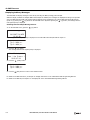
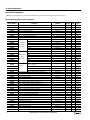
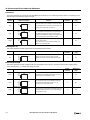
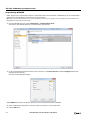
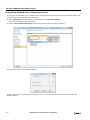
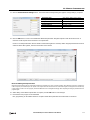
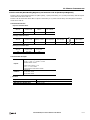
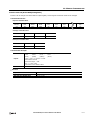
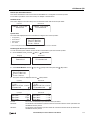
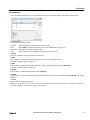
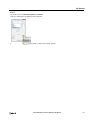
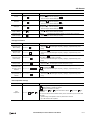
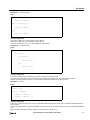
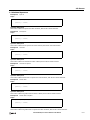
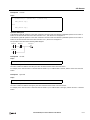
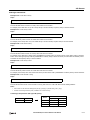
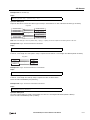
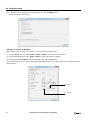
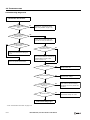
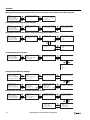
2. Select Status Monitor with the
(up) and
(down) buttons and press the
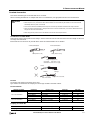
When the SmartAXIS is running
When the SmartAXIS is stopped
External Memory
Device Monitor
Program Monitor
Status Monitor
Configurations
Device Monitor
Program Monitor
Status Monitor
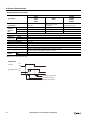
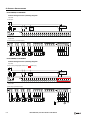
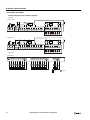
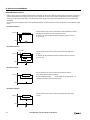
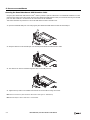
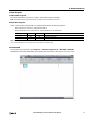
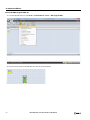
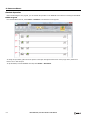
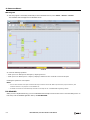
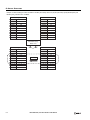
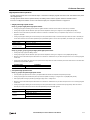
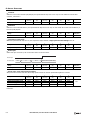
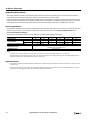
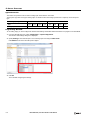
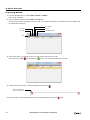
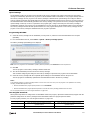
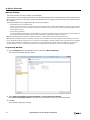
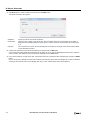
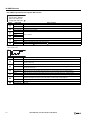
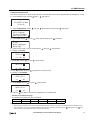
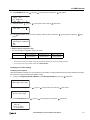
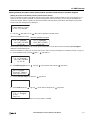
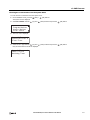
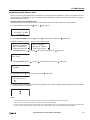
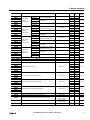
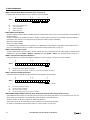
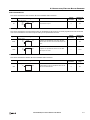
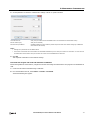
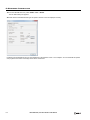
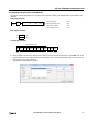
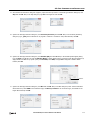
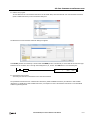
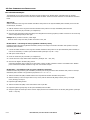
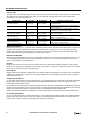
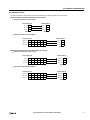
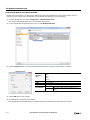
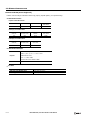
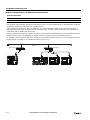
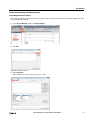
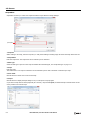
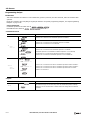
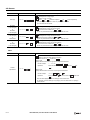
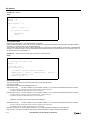
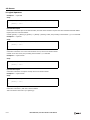
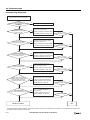
3. The system version is displayed. Press the
When the SmartAXIS is running
System Version:
1.00
Run/Stop Status:
Running
(down) button.
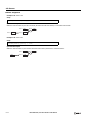
When the SmartAXIS is stopped
System Version:
1.00
Run/Stop Status:
Stopped
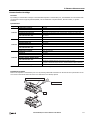
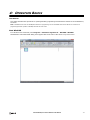
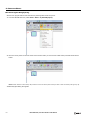
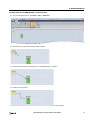
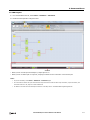
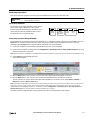
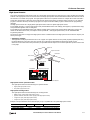
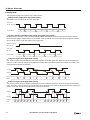
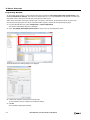
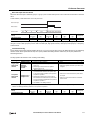
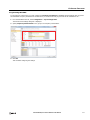
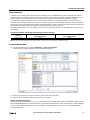
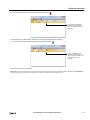
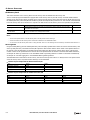
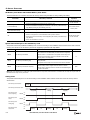
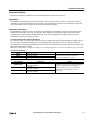
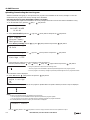
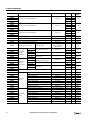
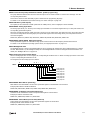
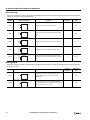
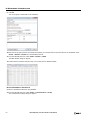
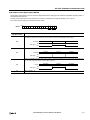
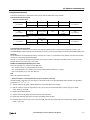
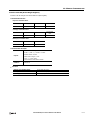
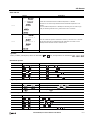
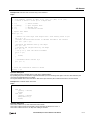
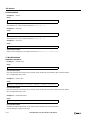
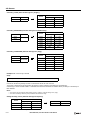
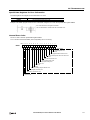
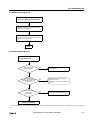
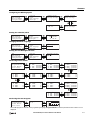
4. The scan time is displayed. Press the
Scan Time:
Current㸸ࠉ
Maximum㸸ࠉ
Minimum㸸ࠉ
(OK) button.
(down) button.
2 ms
4 ms
2 ms
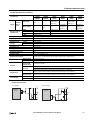
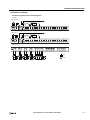
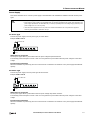
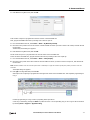
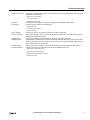
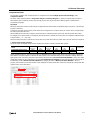
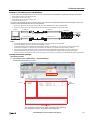
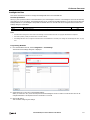
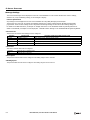
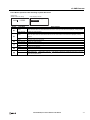
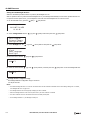
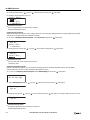
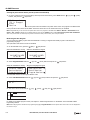
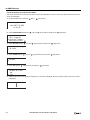
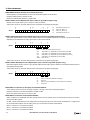
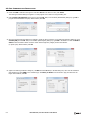
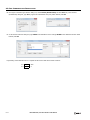
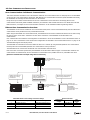
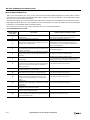
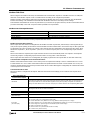
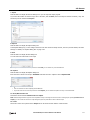
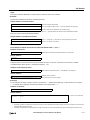
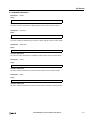
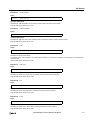
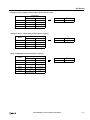
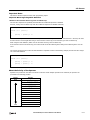
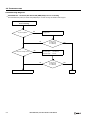
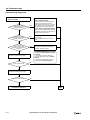
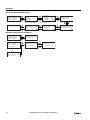
5. The upload protection status is displayed. Press the
(down) button.
Protection Status:
Read Program:
Prohibited
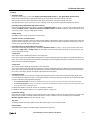
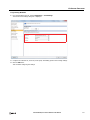
6. The download protection status is displayed.
Protection Status:
Write Program:
Password
SMARTAXIS PRO/LITE USER'S MANUAL FT9Y-B1378
6-19