1
14: TROUBLESHOOTING
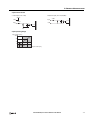
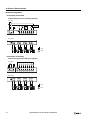
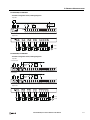
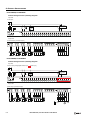
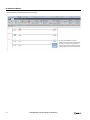
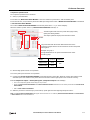
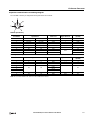
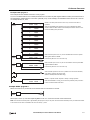
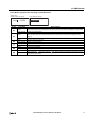
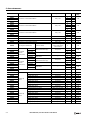
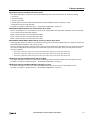
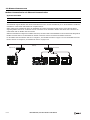
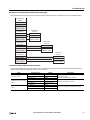
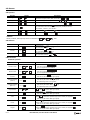
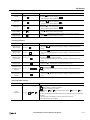
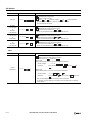
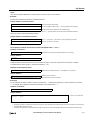
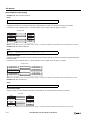
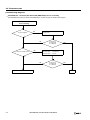
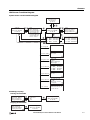
Troubleshooting Diagram 7
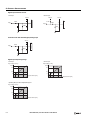
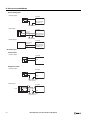
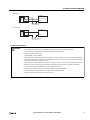
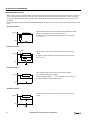
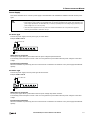
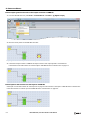
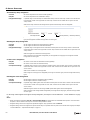
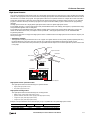
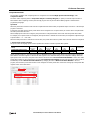
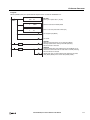
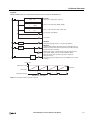
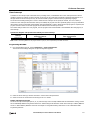
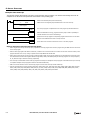
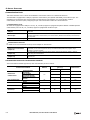
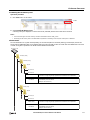
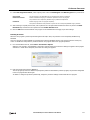
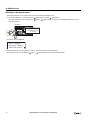
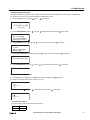
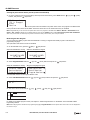
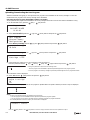
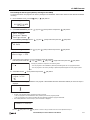
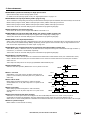
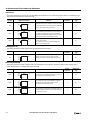
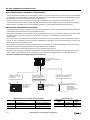
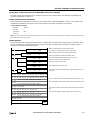
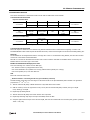
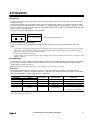
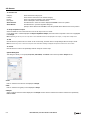
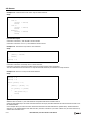
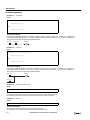
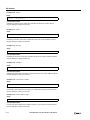
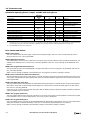
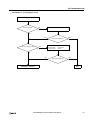
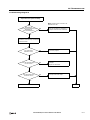
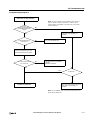
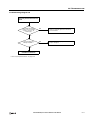
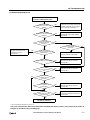
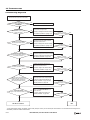
Cannot stop or reset operation.
Is stop or
reset input designated in
the WindLDR Function Area
Settings?
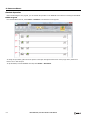
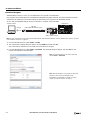
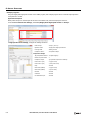
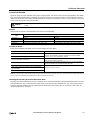
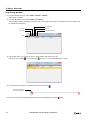
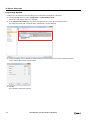
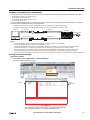
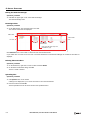
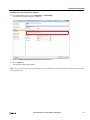
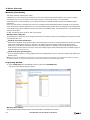
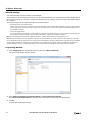
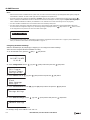
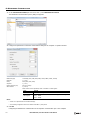
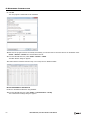
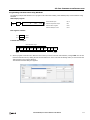
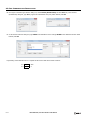
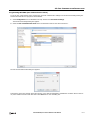
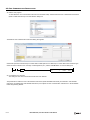
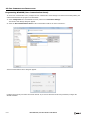
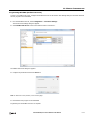
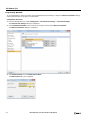
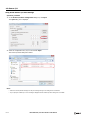
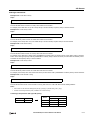
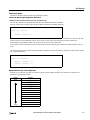
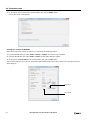
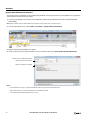
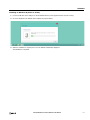
Note: To monitor M8000, from the WindLDR menu bar, select
Online > Monitor > Monitor, then Online > Custom > New
Custom Monitor. Enter M8000 in the Device box in the Custom
Monitor dialog box.
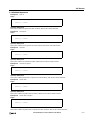
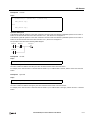
NO
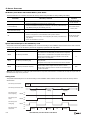
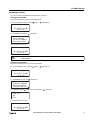
Monitor the start control special internal
relay M8000 using WindLDR on a
computer.
YES
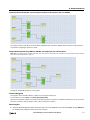
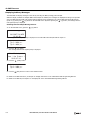
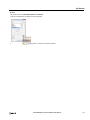
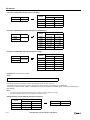
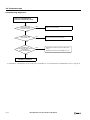
Is the designated stop or
reset input on?
NO
Turn on the designated input.
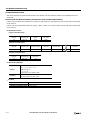
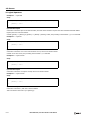
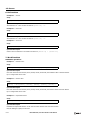
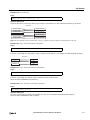
YES
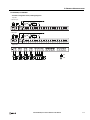
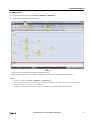
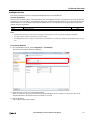
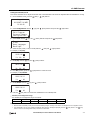
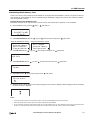
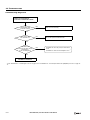
Monitor the designated stop or reset
input using WindLDR on a computer.
Does the monitored input
turn on and off?
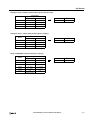
NO
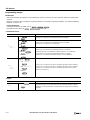
The input circuit in the SmartAXIS is
damaged.
Replace the SmartAXIS.
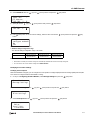
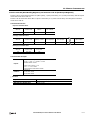
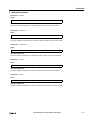
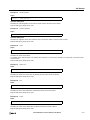
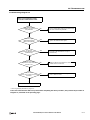
YES
YES
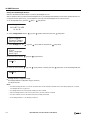
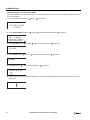
Is M8000 off?
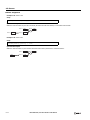
NO
Turn off the start control special internal
relay M8000 using WindLDR on a
computer.
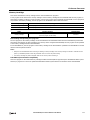
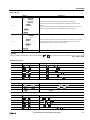
Call IDEC for assistance.
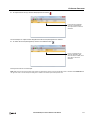
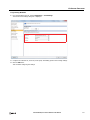
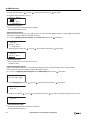
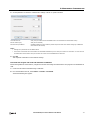
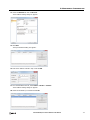
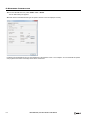
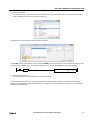
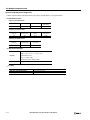
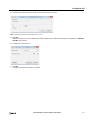
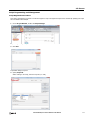
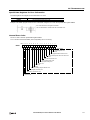
Note: To turn off M8000, enter 0 in the Current Value box in the
Custom Monitor dialog box.
SMARTAXIS PRO/LITE USER'S MANUAL FT9Y-B1378
14-15