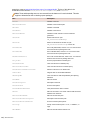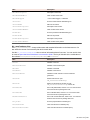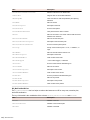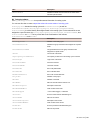
1
•
•
•
•
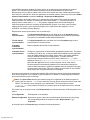
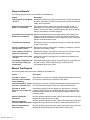
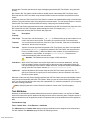
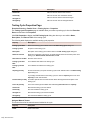
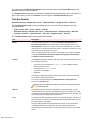
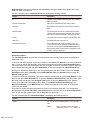
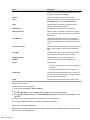
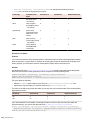
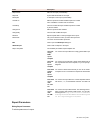
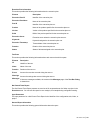
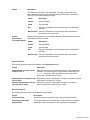
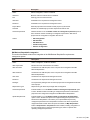
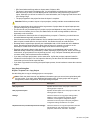
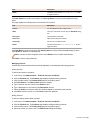
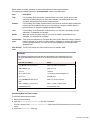
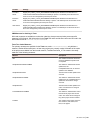
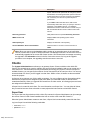
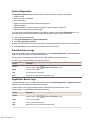
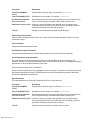
Release
Platform
Issue state
State owner
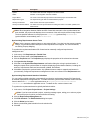
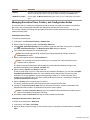
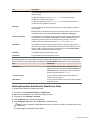
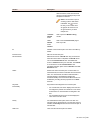
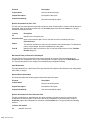
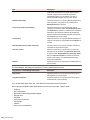
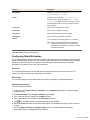
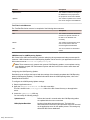
You need to assign the following four inboxes for each set of criteria:
•
•
•
•
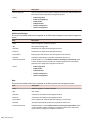
An inbox responsible for verifying issues, which is typically a QA inbox.
An inbox responsible for fixing issues, which is typically a Development inbox.
An inbox for handling documentation problems, which is a Documentation inbox.
An inbox for enhancement requests, which is typically a product management inbox.
Example
All Product A bugs related to the Installer component and associated with the Motif
platform can be routed to one set of inboxes, while all Product A bugs related to the
Installer component for the Windows platforms can be sent to another set of inboxes.
Default routing
In addition to granular routing rules, Issue Manager requires that you define one routing rule for the product
as a whole, which means default routing. In default routing, issues for all components, releases, and
platforms of a specific product are routed to a designated set of four inboxes.
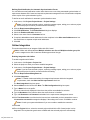
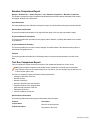
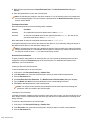
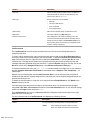
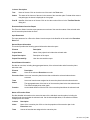
Each inbox covers one of the following areas:
•
•
•
•
QA
Development
Documentation
Enhancement requests
For example, all requests for enhancements for Product X are directed to the one enhancement request
inbox you assign, regardless of the individual component, platform, or release.
Issue Manager uses the default routing rule only when other routing rules do not exist or are not applicable.
In other words, default routing rules are applied only when specific rules do not match or have not been
specified.
Default routing is set up during Issue Manager product setup.
Analyzing the processes in your organization
Analyze the breakdown of work in your organization. Review your list of products, releases, and platforms
and consider each component in turn against this list. Ask yourself questions such as the following:
For this component in this release and on this platform, who, which means which inbox, is responsible for
each action, for example verifying, fixing, and so on?
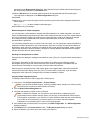
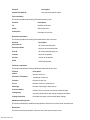
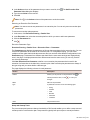
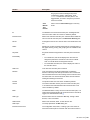
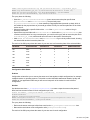
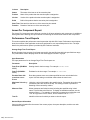
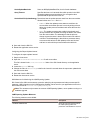
Then define as many rules as required for the different combinations of the following four criteria:
•
•
•
•
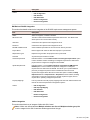
Product
Release
Platform
Component
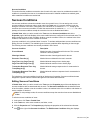
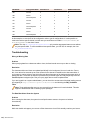
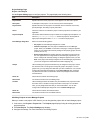
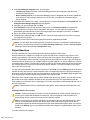
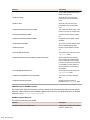
Specifying Rules
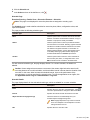
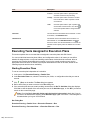
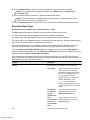
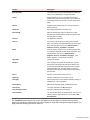
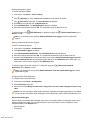
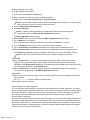
Each rule is entered into the Routing Rules page, which is located in Issues > Configuration > Routing
Rules.
Silk Central 15.5
| 261