1
Entering Issues
This chapter describes how to create and edit issues in Issue Manager, how to use the Silk Test Intelligent
Assistant to create issues out of Silk Test result files and how to export results from Silk Test.
Creating Issues (Issue Manager)
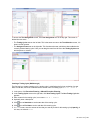
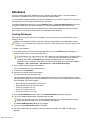
To create a new issue in Issue Manager:
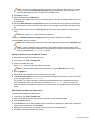
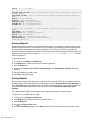
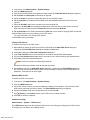
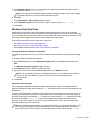
1. In the menu, click Issues > Issue Tracking.
2.
Click
(New Issue) in the toolbar.
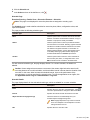
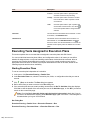
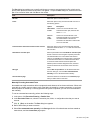
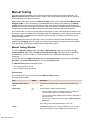
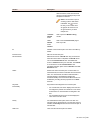
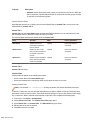
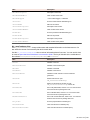
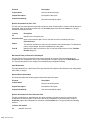
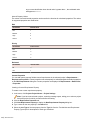
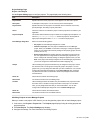
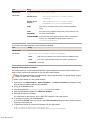
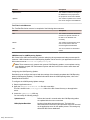
3. Select values for the Issue Type, the Product, the Release, the Platform, the Component, and the
Severity.
Note: The highlighted fields and lists are required.
As you enter values, Issue Manager dynamically assigns an inbox and an initial state for the issue
based on configured rules.
4. Enter a Synopsis and a Description. To create a link between this issue and another issue, type the
issue number or the synopsis of the related issue into the Linked Issue field (autosuggest-enabled).
Linked issues are listed in the History tab.
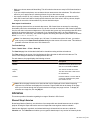
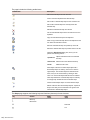
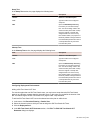
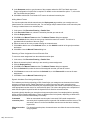
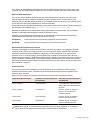
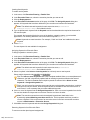
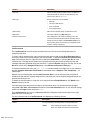
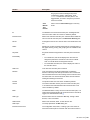
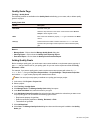
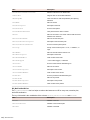
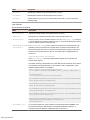
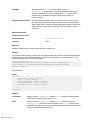
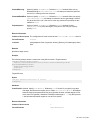
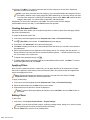
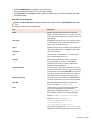
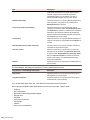
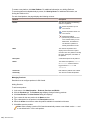
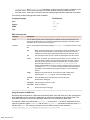
5. Optional: Add further details to the issue. Click the tabs and click the following buttons:
•
•
•
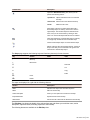
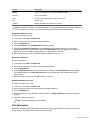
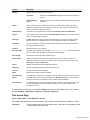
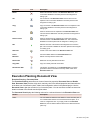
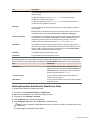
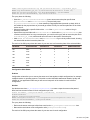
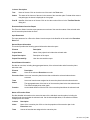
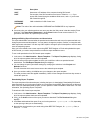
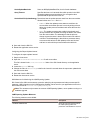
Add Customer: Track information about customers who have reported the issue.
Add File: Add a file with additional information about the issue.
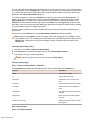
Add Testcase: QA and development personnel can directly execute the added Silk Test testcases
by clicking (Run Testcase) in the Actions column on the Testcases tab. Silk Test testcases can
also be imported with the Silk Test Intelligent Assistant.
• Add Notification: Configure to be notified by email when certain values of an issue change.
6. Click OK.
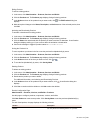
The Issue Details page displays. To get back to the list of issues of your inbox (Issue Tracking page),
click
(My Inbox).
Editing Issues (Issue Manager)
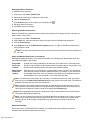
To edit an issue in Issue Manager:
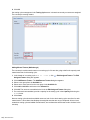
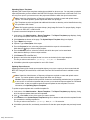
1. In the menu, click Issues > Issue Tracking.
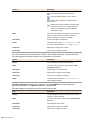
2. Click
(View Issue) in the grid. The Issue Details page displays.
3. Click Edit.
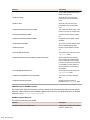
4. Edit the values of the lists and fields.
5. Click the tabs to edit further details of the issue.
6. Click OK.
The changes are tracked in the history. Click the History tab to view the changes.
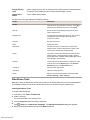
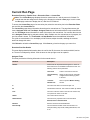
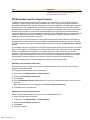
Silk Test Intelligent Assistant
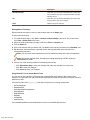
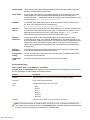
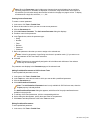
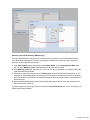
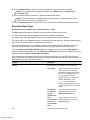
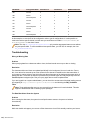
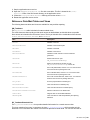
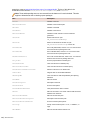
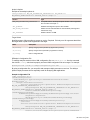
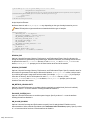
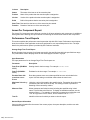
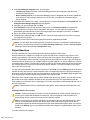
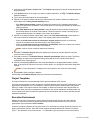
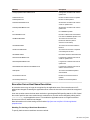
The Silk Test Intelligent Assistant analyzes testcases in Silk Test result files (.rex). The assistant then
creates testcase issues which can be tracked with Issue Manager.
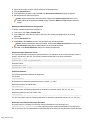
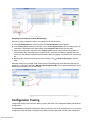
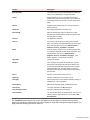
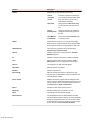
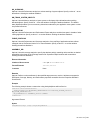
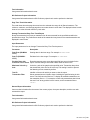
Based on the testcase results you can either create new issues or update existing issues. For example: If
you run a testcase and it fails, the Intelligent Assistant can attach the testcase to a new issue. QA
engineers can subsequently execute the attached testcase directly from Issue Manager and determine
whether the issue has been fixed.
Silk Central 15.5
| 239