1
Update Summary
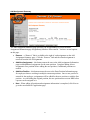
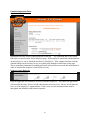
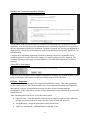
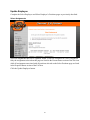
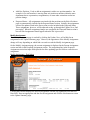
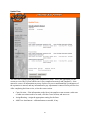
The Update Summary page is the starting page for updating, ending, or creating new assignments
based on an existing assignment. It is also the page displayed after an assignment is updated,
ended, a new assignment created in order to review the results. The cycle of going from the
Update Summary page to modifying/creating an assignment back to the Update Summary page
is completed as many times as necessary to generate or update the needed assignments.
The Update Summary page is divided into three sections:
•
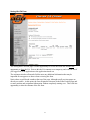
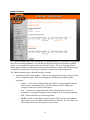
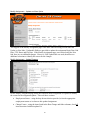
Assignments Selected for Updates – These are the assignments that were selected on the
Select Assignments page. Each listed assignment initially has the following links
associated.
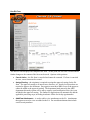
o Update – Create a new assignment that will end the current assignment the day
before the new assignment starts. Pay Rate changes and FTE changes are
examples of when to use the Update option.
o New – Create a new assignment based on the information on the selected
assignment. Creating this assignment has no impact on the existing assignment.
o End – Enter an End Date to end an assignment.
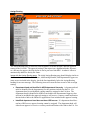
o NOTE: Update or End links can only be used a single time for an assignment.
Once either is used, the Update and End links are removed. The New link is not
affected and can be used as many times as necessary.
23