1
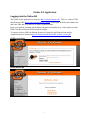
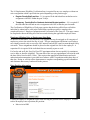
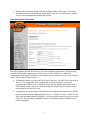
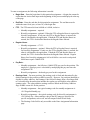
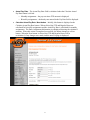
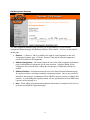
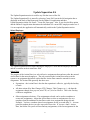
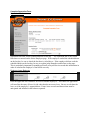
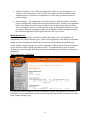
The Home page offers three choices for the user to select.
•
•
•
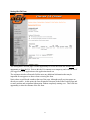
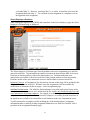
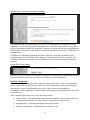
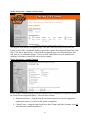
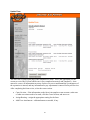
My EA Forms displays four tables of EAs which currently attached to the user.
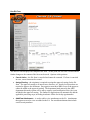
Create EA Form allows the user to create an EA for routing and processing.
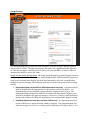
View EA Forms is a search function used to locate EAs.
My EA Forms
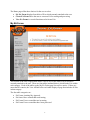
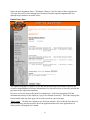
This section of the OLEA application allows a user to review the status of EAs which are
currently attached to the user. There are four tables (outlined below) which list the EAs within
each category. Each of the tables on the My EA Forms page lists up five entries. If there are
more than five entries, the View All link below each table displays a page that includes all EAs
in that category.
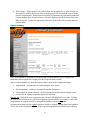
The four table categories are:
•
•
•
•
EA Forms Awaiting My Approval,
EA forms I have created that need routing,
EA Forms I have created that are in routing,
EA Forms I have created that have been processed
2