1
Modify Assignment – Update and New Option
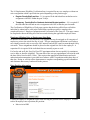
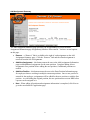
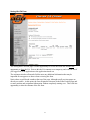
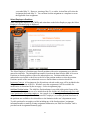
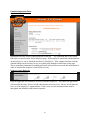
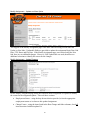
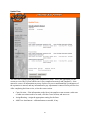
The top part of the Modify Assignment page is the same when accessing it from either the
Update or New links. Updateable fields are provided to update the assignment Begin Date, End
Date, FTE, Hours and Pay Rate. If the Modify Assignment page was reached using the New
link, there are no additional changes. However, if the Update link was used, then there are
additional selections to identify the reason for the changes.
Modify Assignment – Update Reasons
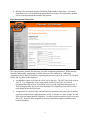
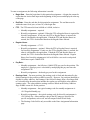
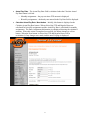
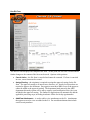
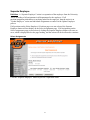
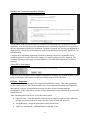
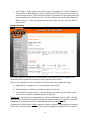
On the Modify Assignment page below the Proposed Status assignment are options to identify
the reason for the assignment update. There are three sections:
•
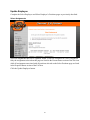
Employment Status – using the drop down selection provided, select the appropriate
employment status as it relates to this updated assignment.
•
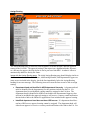
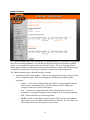
Change Events – using the items listed in the Rate Change and Other columns, check all
items associated with this update EA.
25