1
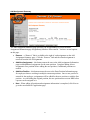
Online EA Application
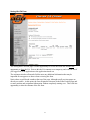
Logging into the Online EA
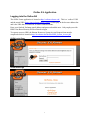
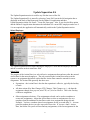
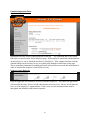
The OLEA Forms application is located at http://eaforms.okstate.edu/. This is a ‘redirect’ URL
and the actual URL (https://app.it.okstate.edu/ea_forms/) will display in the browser address bar
and is the URL that is included in all email communications.
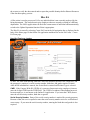
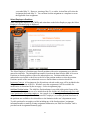
Enter your Outlook Exchange email address and password and hit enter. Only employees with
HRS Value Based Security will be allowed to login.
To request access to HRS, the Human Resources System Access Request form must be
completed which is located at http://hr.okstate.edu/docfiles/HRS_System_Access.pdf.
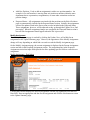
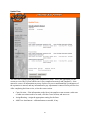
OLEA Log In Page
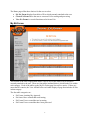
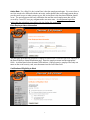
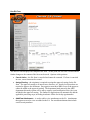
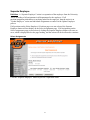
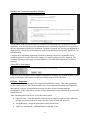
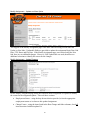
OLEA Home Page
1