1
Libria Administrator Manual
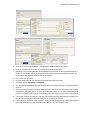
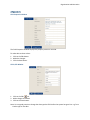
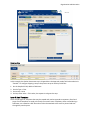
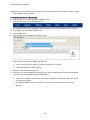
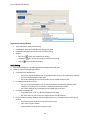
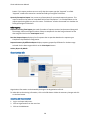
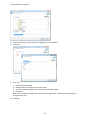
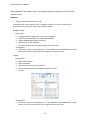
7. Select the directory location where the application is to be installed.
8. Click Next.
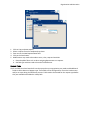
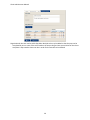
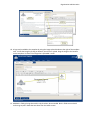
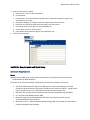
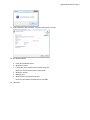
9. Enter info
a. Database Instance Name
b. Database Name: preferably one without spaces
c. User ID: typically a sysadmin user that has create database rights
d. Password
Note: You can add an SQL application user with owner rights later and edit the web.config file to
change the SQL user.
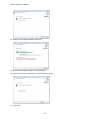
10. Click Next.
42