1
Setup via the Ethernet Port
NOTE: You must complete the appropriate Installation Procedure before proceeding with this Setup Procedure.
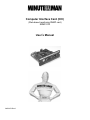
The following items must be obtained before attempting to setup the CIC: A valid IP Address, a Computer on the
network and an Ethernet cable connected to the network.
1.
2.
3.
4.
Connect the Ethernet cable to the CIC’s Ethernet Port.
Turn the computer on and let it boot-up.
Plug the UPS’s power cord into the AC outlet and turn the UPS on.
Wait for approximately thirty seconds for the Link LED to start blinking.
5.
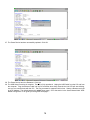
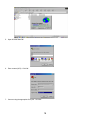
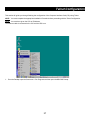
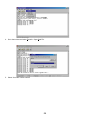
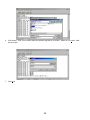
From the Desktop open the Start menu. Pick Programs and then open the MS-DOS Prompt.
25