1
5.7.1 Standby after the end of a recording session
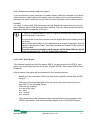
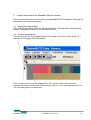
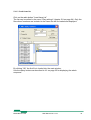
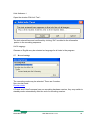
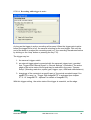
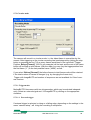
If you have activated the check box “Activate Standby After End of Recording” in the
menu “Recording Settings”, the camera will switch to the standby mode automatically
after the end of the next recording session.
This activation is valid only for the next recoding session and will be deactivated automatically afterwards.
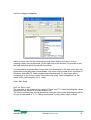
By getting into the standby mode, the camera stops communication with the PC: Timeout will be indicated therefore.
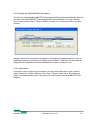
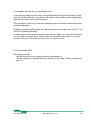
In order to get access to the camera’s image memory again, you must set the camera
into the ready-to-operate state: Please press the camera’s power switch for a short
moment (less than 1 second) and click at the “reconnect” button
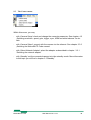
5.7.2 Non-circular mode
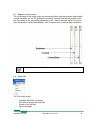
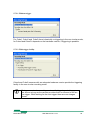
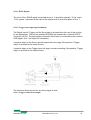
Recording proceeds
- until the end of buffer is reached and stops afterwards or
- until the recording is aborted before by clicking on the “Stop” buttton or presseing
key F12.
MotionBLITZ Cube
User Manual Ver. 1.8.0
54