1
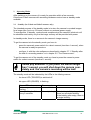
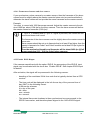
3.2.1 Assigning an IP-address to the GigaBit Ethernet adapter
Assigning an IP-address to the adapter is only necessary, if no bootp-server is installed
in your network.
To assign an IP-address, perform the following steps:
1. Close all MotionBLITZ Cube applications.
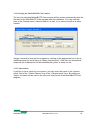
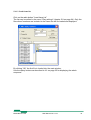
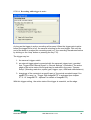
2. Open the “Network and Dial-up Connections” window from the Windows ControlPanel.
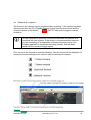
Right click on the desired connection in the panel and click the “Properties” item. The
properties dialog for the connection, shown in the next figure on the next page, will be
displayed.
MotionBLITZ Cube
User Manual Ver. 1.8.0
21