1
L-Proxy User Manual
143
LOYTEC
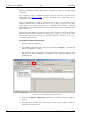
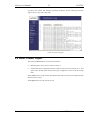
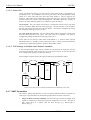
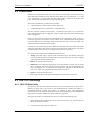
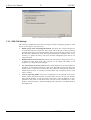
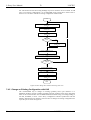
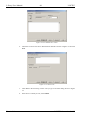
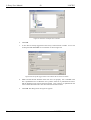
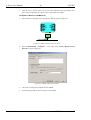
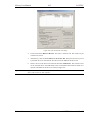
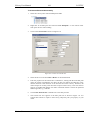
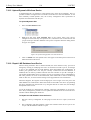
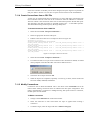
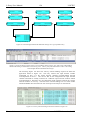
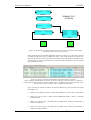
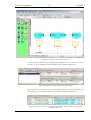
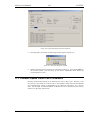
Figure 155 Click on Continue.
Explanation
There are still some dynamically created NVs in L-Proxy. This can happen if the node has
been used in a different project and it hasn’t been de-commissioned in the old project
before it was moved to the new network.
Solution
Click on Yes and Continue. In most cases this will be enough to use L-Proxy. If L-Proxy
is behaving strange one should reset the L-Proxy to its default configuration via the console
interface (see Section 4.8).
12.3 NL220 Warning appears during installation
Problem
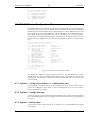
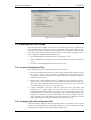
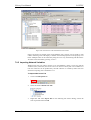
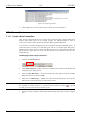
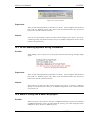
When adding a new L-Proxy Port to the project the following warning messages might
appear.
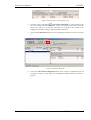
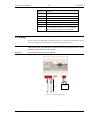
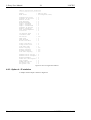
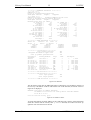
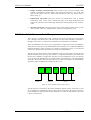
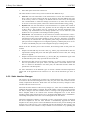
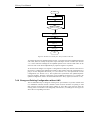
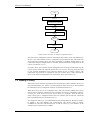
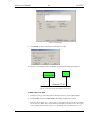
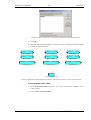
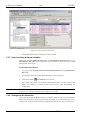
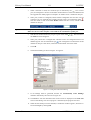
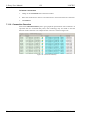
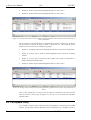
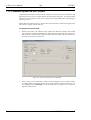
Figure 156 Warning when creating node
Explanation
There are still some dynamically created NVs in L-Proxy. This can happen if the node has
been used in a different project and it hasn’t been de-commissioned in the old project
before it was moved to the new network.
Solution
Ignore the error. In most cases this will be enough to use L-Proxy. If L-Proxy is behaving
strange one should reset the L-Proxy to its default configuration via the console interface
(see Section 4.8).
12.4 Move L-Proxy into a new LNS project
Problem
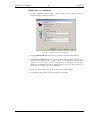
When moving an L-Proxy device from one LonMaker/NL220/Alex project into a different
LonMaker/NL220/Alex project one must delete the L-Proxy port in the old project before
adding the L-Proxy device in a different project.
Version 3.1
LOYTEC electronics GmbH