1
Freescale Semiconductor, Inc.
14
Loading a Hitex File Format Application in
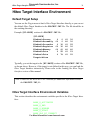
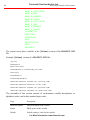
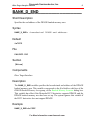
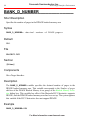
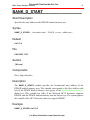
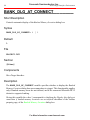
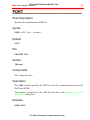
PT MAP PAGE5 AT P5:0x8000 LEN 0x4000
PT MAP PAGE6 AT P6:0x8000 LEN 0x4000
PT MAP PAGE7 AT P7:0x8000 LEN 0x4000
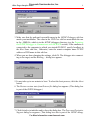
3. Run HI-WAVE. If the HiTOP debugger is not already started, the system opens
the Communication Link Specification dialog box. Follow the steps of the Starting with the Hitex Target Interface section of this demo to connect to the target.
4. The system executes the Startup command file.
.
Note: If the system does not execute the Startup command file at this point, use the
Hitex Target Interface Command Files Manager dialog box to verify that the
correct Startup command file is set up for the Hitex Target Interface. Once
you have set up the Startup command file correctly, close and restart HIWAVE.
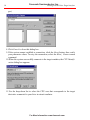
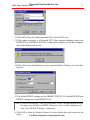
5. Choose Hitex | Load. This opens the Load Object File dialog box.
6. Select file FIBOBANK.ABS and click Open.
7. This closes the dialog box and loads the program.
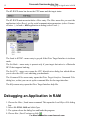
8. Choose Run | Start/Continue or click
9. The system starts the application.
10.Choose Run | Halt or click
.
.This stops program execution.
Loading a Hitex File Format Application in
HiTOP from HI-WAVE
The Hitex | Load in HiTOP menu command lets you load a file (in Hitex File Format) in the HiTOP debugger, as you load the symbols from the corresponding absolute file in HI-WAVE.
This feature is not available if the Hitex Target Interface is in demo mode.
Converting an Absolute File to Hitex File Format
You must use the absolute file (generated by the HIWARE Technology Tools) to generate a Hitex File Format file before you can load this file in the HiTOP debugger,
You must use a hitex DEVELOPMENT TOOLS symbol preprocessor to perform this
operation.
For More Information: www.freescale.com