1
43
Web Based Backup set / Schedule Management
You can manage your Default Backup set, schedule backup jobs and view detailed logs from the IBackup web
interface, using any web browser.
Manage Default Backup set contents online:
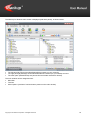
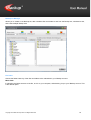
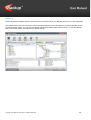
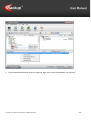
Login to your IBackup account via any web browser and click the ‘Remote Manage’ icon. This opens the Backup
Manager screen, from where you can perform the following functions:
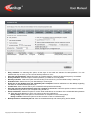
Add data to Default Backup set
Steps
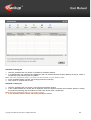
1. Select the files/folders to be backed up, using the check boxes.
2. Click the 'Update Default Backup set' to update your Backup set.
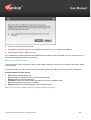
Schedule a Backup
Steps
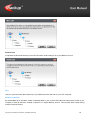
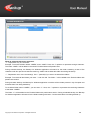
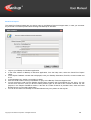
1. Click the 'Schedule Manager' button. Select the backup day(s), time and notification type among other options.
2. Click 'Update Scheduler' to update the scheduled backup details
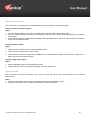
Logs:
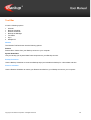
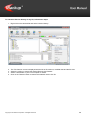
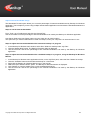
You can also view the following logs:
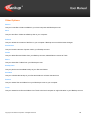
Session Log
Lists the log files created for each of your backup and restore sessions.
Copyright © ProSoftnet Corporation. All Rights Reserved.
39