1
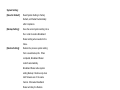
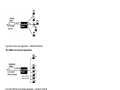
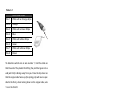
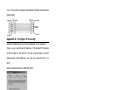
C-2-3 Connection between Broadband Router and Modem
(DTE-DCE)
Appendix D Configure IP manually
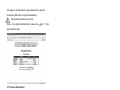
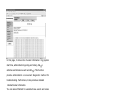
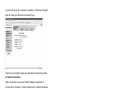
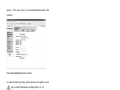
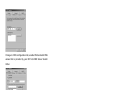
Select IP Address tab and choose Specify an IP Address.
Type in your customized IP address. (The default IP address
of this product is 192.168.8.1. So you just can type in one IP
Address like 192.168.8.xxx. xxx can be numbers from 1 to
253).
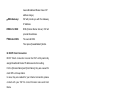
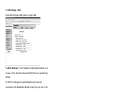
Set the Subnet Mask as 255.255.255.0.
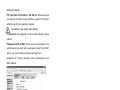
In the New Gateway tab, add IP address of this product. (The
default IP Address of this product is 192.168.8.1).
64