1
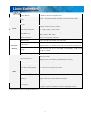
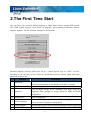
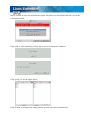
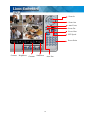
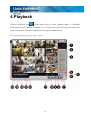
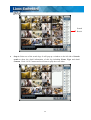
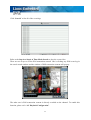
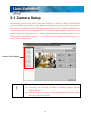
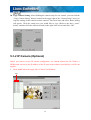
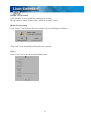
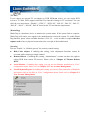
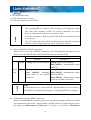
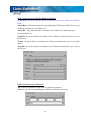
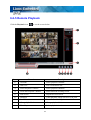
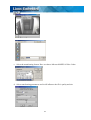
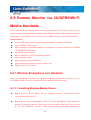
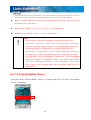
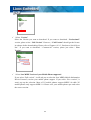
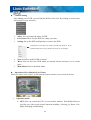
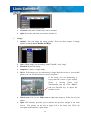
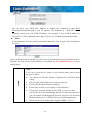
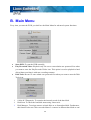
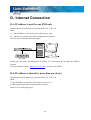
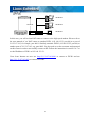
If you pass the remote authorization, you can start to use remote client as screen picture below,
1
2
5
4
3
6
7
8
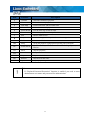
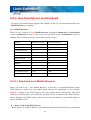
Items
Function
Description
1
Date/Time
Show the DVR date and time
2
Camera list
Camera display list
3
Setup
4
Snapshot
Catch display image and save to the storage device
5
Full screen
Display in full screen
6
Playback
Remote playback
7
Display Mode
Select display division
8
Log
DVR Log List
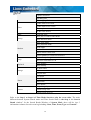
Set the network transmission preference and remote DVR
setup
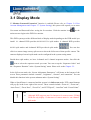
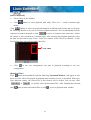
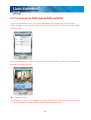
6-2-1 Remote Display Mode
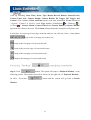
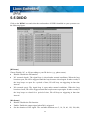
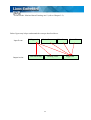
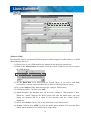
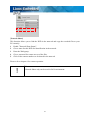
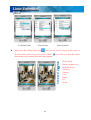
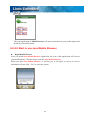
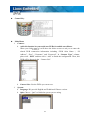
Click on the corresponding icons on the bottom of the screen to view difference display mode.
There are 4-, 6-, 8-, 9-, 10-, 13- and 16 split modes.
105