1
5-4 User Account Management
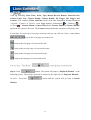
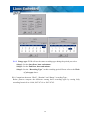
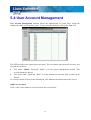
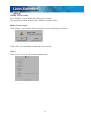
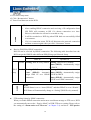
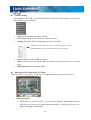
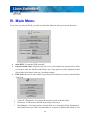
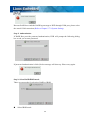
User Account Management function allows the administrator to create users, assign the
authorized actions to secure the system. To start using this function, click on the User icon.
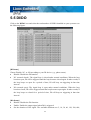
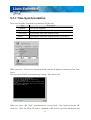
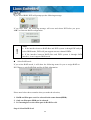
This DVR provides two system preset accounts. The user names and passwords for these two
accounts are as below.
User name: “admin”; Password: “1111” is for the system management account. This
account cannot be deleted.
User name: “net”; Password: “1111” is for the normal user account. This account can be
deleted.
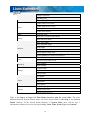
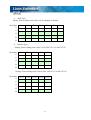
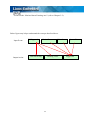
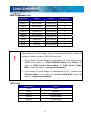
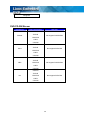
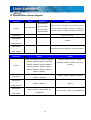
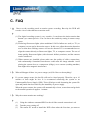
To see more details of the account information, click View on the bottom left of this screen.
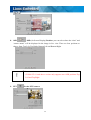
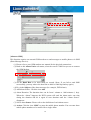
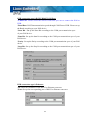
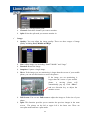
[Add User Account]:
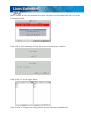
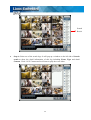
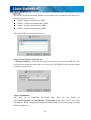
Click “Add” icon to add new user accounts as the screen below.
61