1
[TV Out]
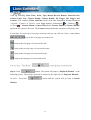
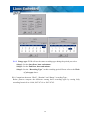
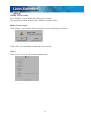
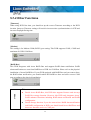
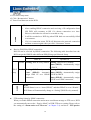
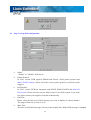
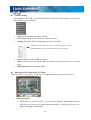
If you connect an external TV out adapter to DVR VGA out socket, you can export DVR
screen to TV Wall. DVR supports 640*480 User Interface fitting for TV resolution. You can
click the icon and choose “Disable”, “NTSC-J”, “NTSC-M”, “PAL-B”, “PAL-D”, “PAL-G”,
“PAL-H”, “PAL-I”, “PAL-M”, PAL-N” based on the TV-out function requirement.
.
[Watch Dog]
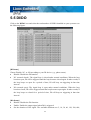
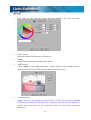
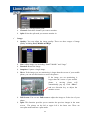
Watch Dog is a hardware device to monitor the system status. If the system fails to response,
Watch Dog will send a reset signal to the motherboard to reboot the system. To enable Watch
Dog function, please select available durations 15,20, 25… or 60 seconds. It requires the first
capture card to have a physical connection to the reset pin of the motherboard.
[Security]
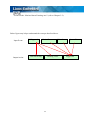
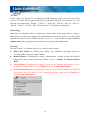
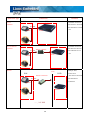
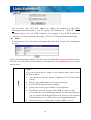
You can “Enable” or “Disable (preset)” the security control setting.
Hide Color Adjust: if enabling this setting, color adjustment functions cannot be
executed while zooming-in single channel.
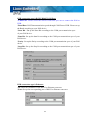
Remote Reboot: if enabling this setting, “Administrator” account can have the right to
reboot DVR from remote IE browser. Please refer to “Chapter 6-7 Remote Reboot
DVR”.
Local Monitor: if enabling this setting, you can set user Monitor permission in “User”
configuration menu. Please refer to Chapter 5-3 User Account Management.
Local Playback/Export: if enabling this setting, you can set User permission of Playback
and export video or log files in “User” configuration menu. Please refer to Chapter 5-3
User Account Management.
76