1
2.The First Time Start
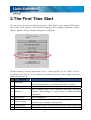
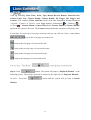
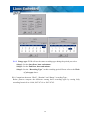
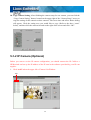
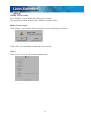
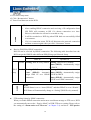
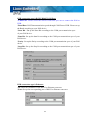
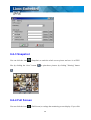
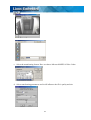
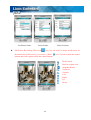
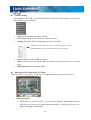
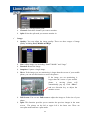
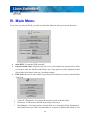
You can select your preferred display language at “Main Menu” before starting DVR system.
This DVR system supports seven kinds of languages that including Traditional Chinese,
English, Japanese, French, German, Portuguese, and Spanish.
Besides Language selection, please also set up “ Camera Signal” type as “NTSC” or PAL”
according to the camera you use. Please be noted that incorrect camera signal will cause
abnormal image format.
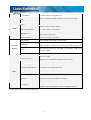
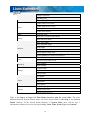
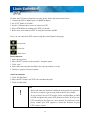
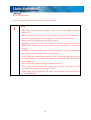
Function
1 Start DVR
Description
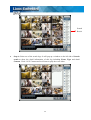
Quick access to DVR main screen. If you don’t click this button,
DVR will automatically go into Main screen after 5 seconds
2 Play Recorded Video Playback only. Quick access to playback mode.
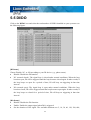
3 Disk Tool
Tools for HDD storage device including Scan Disk, S.M.A.R.T
Diagnostic, Disk manager to assign camera to HDD and RAID
configuration.
4 System Tool
Reset Configuration
5 Select Language
6 Camera Signal
7 Power Off
Select preferred language (Traditional Chinese, English, Japanese,
French, German, Portuguese, and Spanish)
Switch DVR to NTSC or PAL mode according to camera signal type
To turn off the DVR
6