1
Manuals Development Guide
June 2001
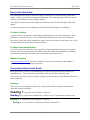
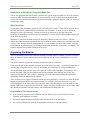
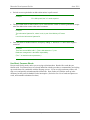
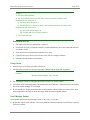
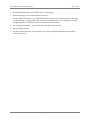
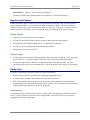
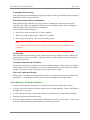
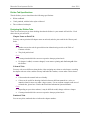
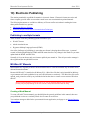
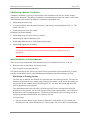
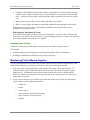
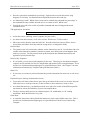
Example:
Receptionist
1. Open the mail.
2. Date stamp the contents.
Clerk
3. Deliver mail to the person addressed.
Mail Addressee
4. Write ARCS file number on mail.
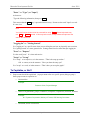
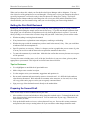
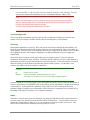
There is another way that Playscript instructions can be presented. Please see the section on Contingency
Instructions for details.
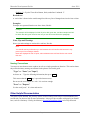
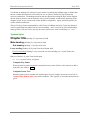
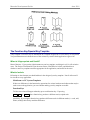
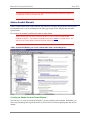
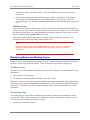
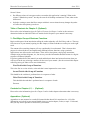
Contingency Instructions
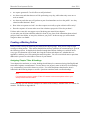
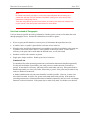
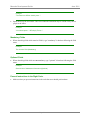
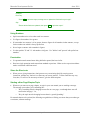
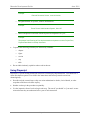
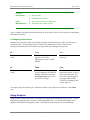
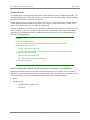
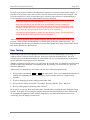
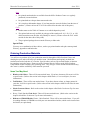
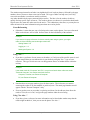
Sometimes the steps to be taken in performing a function will depend on the results of earlier steps in
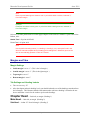
your instructions. The following excerpt from the Client Management section of the Revenue
Management manual shows an excellent way to deal with such contingency instructions.
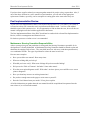
If…
Then…
You...
The search identifies a single
client.
The client's information
appears on the Client
Maintenance screen in VIEW
MODE.
Review or update as
necessary.
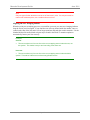
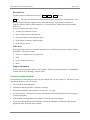
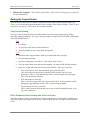
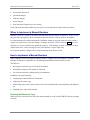
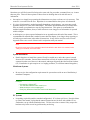
If…
Then…
You...
The search doesn't identify a
client.
A blank Client Maintenance
screen is displayed in SEARCH
MODE, with the message that
no Clients found, press <F12>
to clear the messages.
Check to ensure information
entered was correct, if not, reenter and search again. If it
was correct and no matches,
proceed to ADD a NEW
CLIENT (See Adding a New
Client-- Page 33).
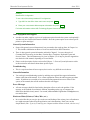
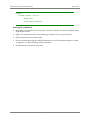
You can use this same format to give instructions where you say "If you are a Resource Clerk, Then
you...".
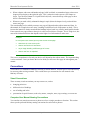
Using Graphics
Graphics make a manual look more user friendly by breaking up the monotony of pages of text. It is true
that when used appropriately, a picture is worth a thousand words. You must decide whether or not
graphical information will help your readers. This depends on the subjects you are documenting.
Page 41