1
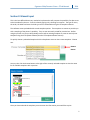
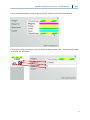
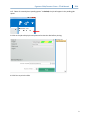
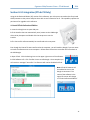
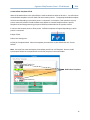
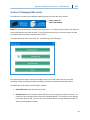
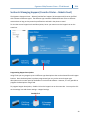
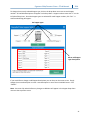
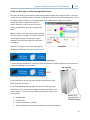
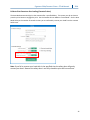
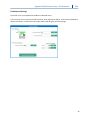
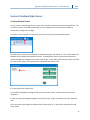
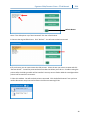
Signature Slide/Cassette Printer –PTLab Manual 2014 Section 4: LIS Integration (PTLab PE Only) Using the Professional Edition (PE) version of this software, your LIS system can send orders for printed slides/cassettes to the printer and print them with no user interaction at all. This capability requires the purchase of an upgrade to this software. 4.1 Install PTLab Professional Edition 1. Insert the Dongle into an open USB port. 2. If the installer does not automatically start, browse to the USB dongle drive via My Computer and double click the setup.exe to run the installer. 3. The License File will automatically be transferred to the computer. Even though the license file was transferred to the computer, you will need the dongle if you ever want to install the software onto a new computer. Follow these instructions to transfer the license back to the USB Dongle. 1. Open PTLab. Click the Settings icon on the upper right corner of the software. 2. Click Software Info. Click Transfer License to USB Dongle. Once complete you will receive a message if successful. Pro features will now be disabled in PTLab. Note: PTLab PE Features will be enabled as soon as the dongle is connected. The name of the software in the upper left corner will change to “PTLab Professional Edition” 11