1
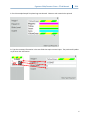
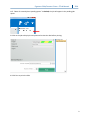
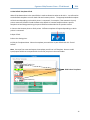
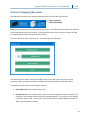
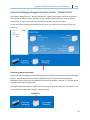
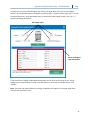
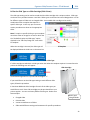
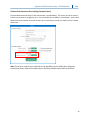
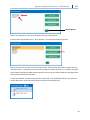
 Signature Slide/Cassette Printer –PTLab Manual 2014 8.8 Auto Print Cassettes after loading (Cassette Printer) The Auto Mode automatically print the cassette after a specified delay. This means you do not have to press the print button to engage the print. Set the Cassette Printer Mode to “Auto Mode”. Set the Auto Mode Delay to the number of seconds it takes you to comfortably remove your hand from the cassette holder area. Note: If you fail to remove your hand with in the specified time the safety door will gently contact your hand. Because the safety door is not fully closed the print will not continue.
35