1
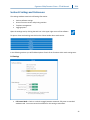
 Signature Slide/Cassette Printer –PTLab Manual 2014 Section 8: Settings and Preferences The settings window contains the following information: •
•
•
•
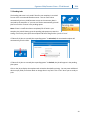
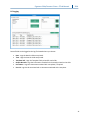
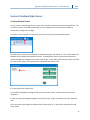
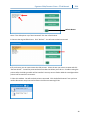
Various software settings Printer firmware version and printing statistics Template management Logging options Open the settings area by clicking the tool icon in the upper right corner of the software. To open or close each settings area click on the ribbon header above each section. In the following sections you will find descriptions of each of the functions within each settings area. 8.1 Settings •
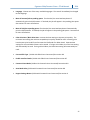
Full Screen Mode. Check or uncheck to toggle between automatic full screen or standard window mode. You must restart the software for this setting to take effect. 25