1
2
SYSTEM CONFIGURATION
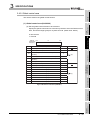
2.4 Checking the Function Version and Serial No.
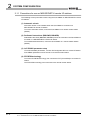
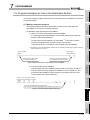
This section explains how to check the function version and serial No. of the QJ71PB92V.
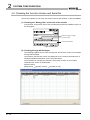
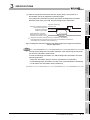
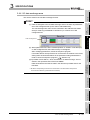
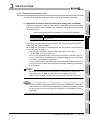
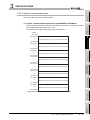
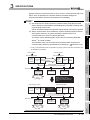
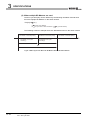
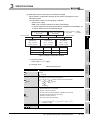
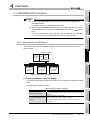
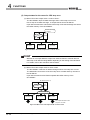
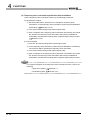
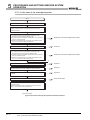
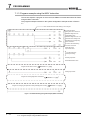
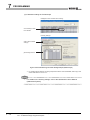
(1) Checking the "Rating plate" on the side of the module
The serial No. and function version of the module are printed in the SERIAL section of
the rating plate.
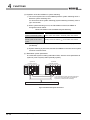
Serial No. (Upper 5 digits)
Function version
09052
D
Conformed standard
Figure 2.9 Rating Plate
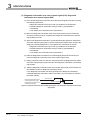
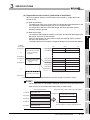
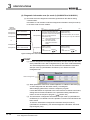
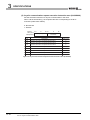
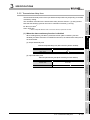
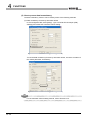
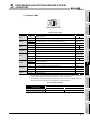
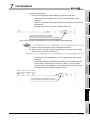
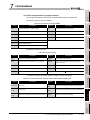
(2) Checking through GX Developer
The following explains how to check the serial No. and function version of the module
through GX Developer.
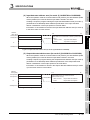
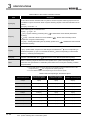
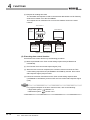
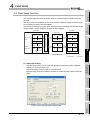
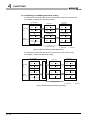
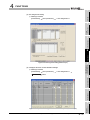
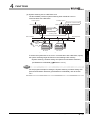
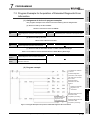
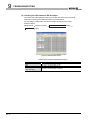
The serial No. and function version are displayed on the "Product information list" or
"Module's Detailed Information" screen of GX Developer.
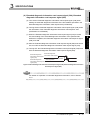
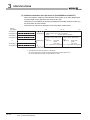
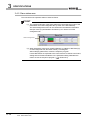
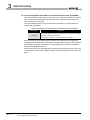
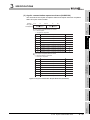
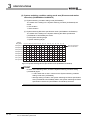
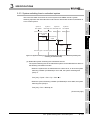
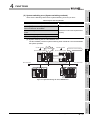
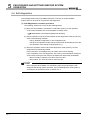
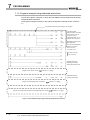
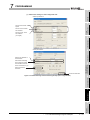
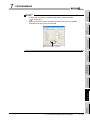
The procedure for checking the serial No. and function version on the "Product
information list" screen is shown below.
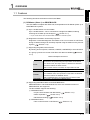
Start Procedure
[Diagnostics]
[System monitor]
[Product inf. list]
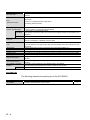
Figure 2.10 Product Information List
2 - 14
2.4 Checking the Function Version and Serial No.