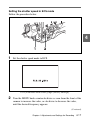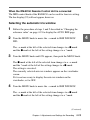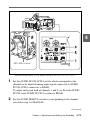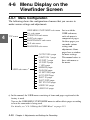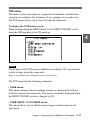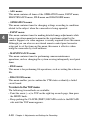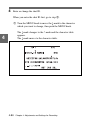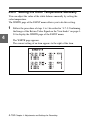
1
3
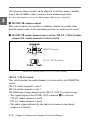
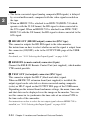
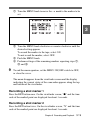
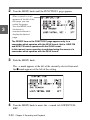
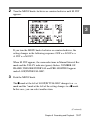
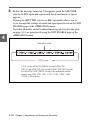
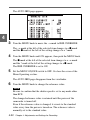
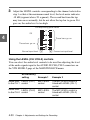
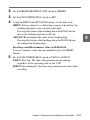
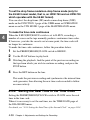
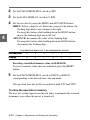
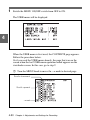
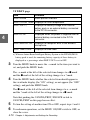
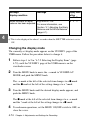
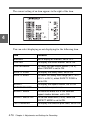
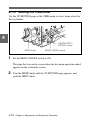
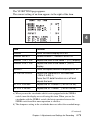
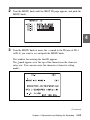
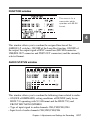
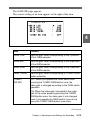
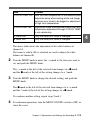
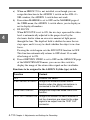
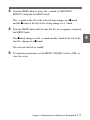
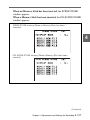
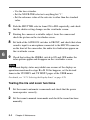
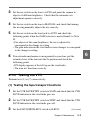
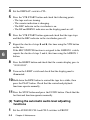
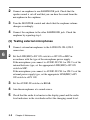
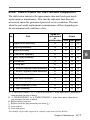
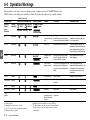
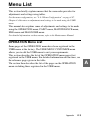
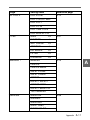
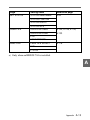
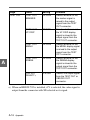
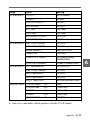
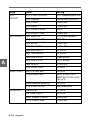
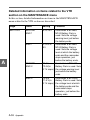
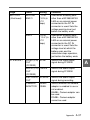
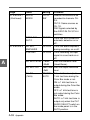
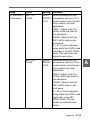
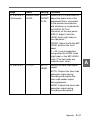
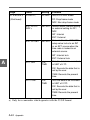
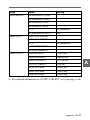
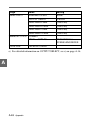
Perform the settings for each item.
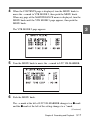
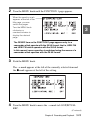
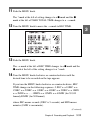
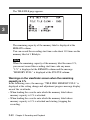
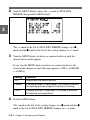
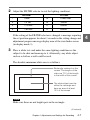
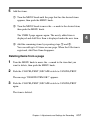
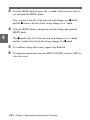
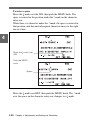
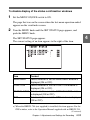
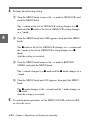
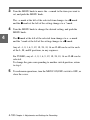
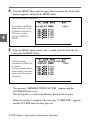
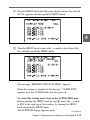
1 Turn the MENU knob to move the t mark to the item you
want to set, and push the MENU knob.
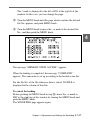
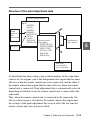
The t mark at the left of the selected item changes to a z
mark and the z mark at the left of the setting changes to a ?
mark.
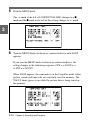
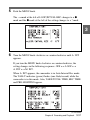
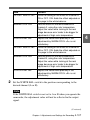
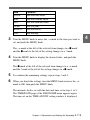
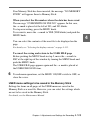
2 Turn the MENU knob to change the desired setting, and push
the MENU knob.
The z mark at the left of the selected item changes to a t
mark and the ? mark at the left of the setting changes to a z
mark.
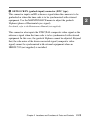
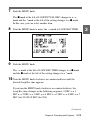
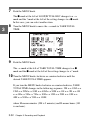
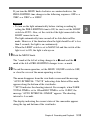
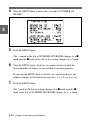
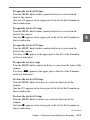
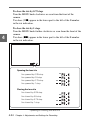
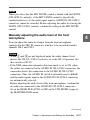
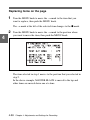
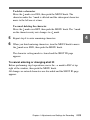
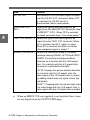
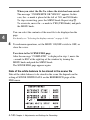
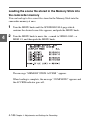
Note that the CANCEL/PRST / ESCAPE function can be used
for the ASPECT MASK LVL item.
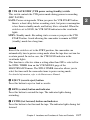
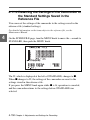
If the CANCEL/PRST / ESCAPE switch is pressed twice to
CANCEL/PRST before pushing the MENU knob in step 2, the
previous setting is canceled. If the switch is pressed twice more
to CANCEL/PRST, the setting is reset to its initial value.
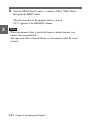
4
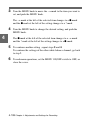
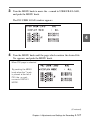
To continue setting other items, repeat step 3.
5
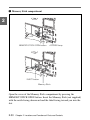
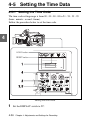
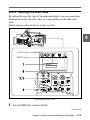
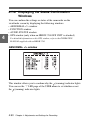
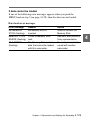
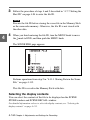
To end menu operations, set the MENU ON/OFF switch to OFF, or
close the cover.
Chapter 4 Adjustments and Settings for Recording
4-77
4