1
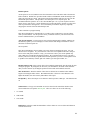
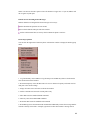
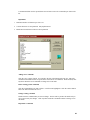
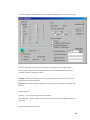
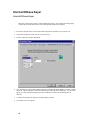
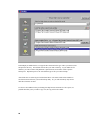
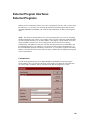
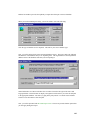
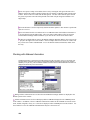
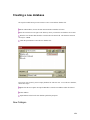
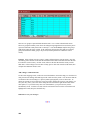
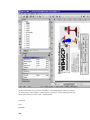
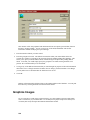
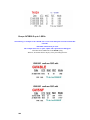
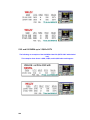
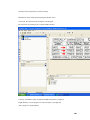
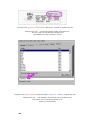
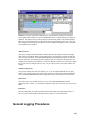
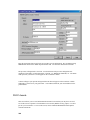
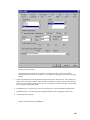
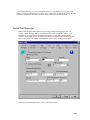
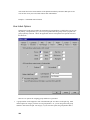
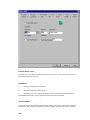
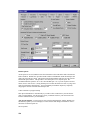
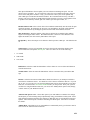
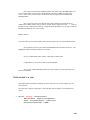
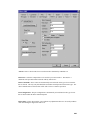
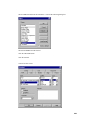
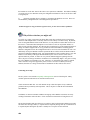
Mouse-cursor in the TextBox, right-click mouse button. Select "Contents".
Double-click left mouse button on the "blue highlighted" area.
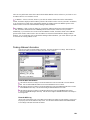
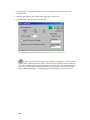
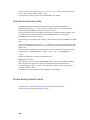
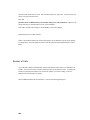
At the cursor, type in exactly as follows (including the quotemarks):
"RST"
Click OK.
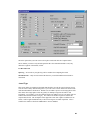
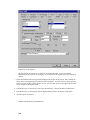
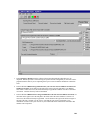
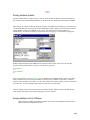
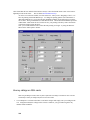
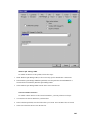
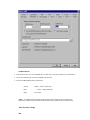
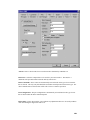
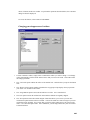
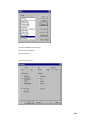
Now, go to the righthand side window and select:
FONT
Default – [No]
Underline – [Yes]
LAYOUT
Alignment – [centered]
Click OK.
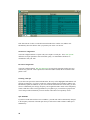
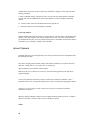
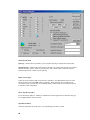
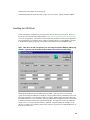
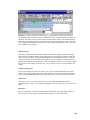
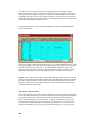
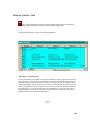
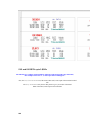
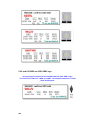
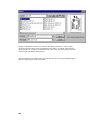
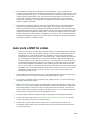
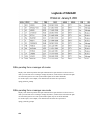
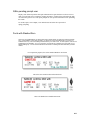
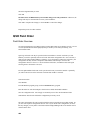
The Label Workspace should now be available again and the TextBox we just created with RST
will still be highlighted with the unique lines around it.
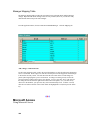
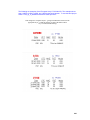
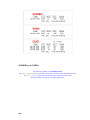
Place the cursor anywhere inside the Label WorkArea that "is not" on the label itself, and leftclick the mouse. The TEXTBOX area for RST will now change from the unique lines to just
the Black-Line outline of the TextBox itself
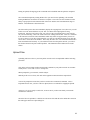
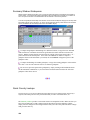
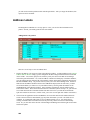
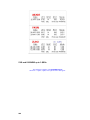
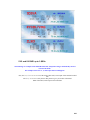
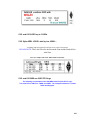
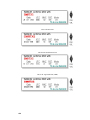
The word "Mode" box:
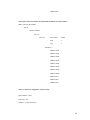
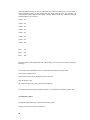
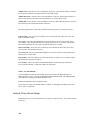
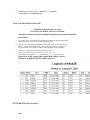
OBJECTS, INSERT, TEXT .. start at Left 0.3 Top 2.6 - Drag-right to left 0.5 Top 3.0
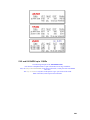
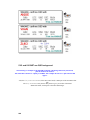
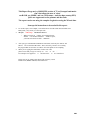
Mouse-cursor in the TextBox, right-click mouse button. Select "Contents".
Double-click left mouse button on the "blue highlighted" area.
At the cursor, type in exactly as follows (including the quotemarks):
"Mode"
Click OK.
250