1
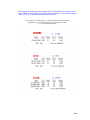
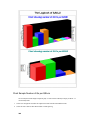
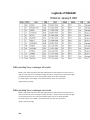
Tutorial QSL Card Sample
Making a Single QSO, QSL Card from scratch:
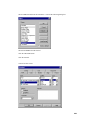
* With your DXBase program already open and ready for use, goto and left-mouse click-on the
following Menu items:
Tools, Design Labels, "Select the label type" QSL Cards, QSOs per label "1", then click-on OK.
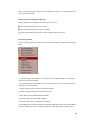
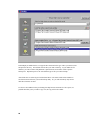
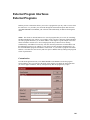
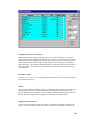
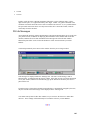
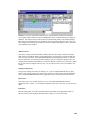
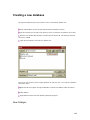
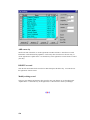
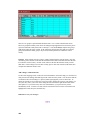
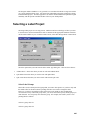
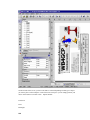
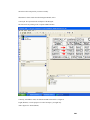
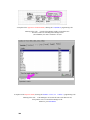
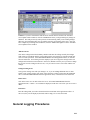
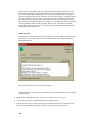
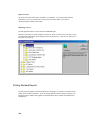
* You are now in the Dxbase Card File window. Just under the window for File Name, you will
see a "blue" area with the " *crd " visible.
NOTE: From here-on, I will refer to the QSL Card file, that you will be making, as MYOWN.crd
..
Now, from your keyboard, type in MYOWN.crd and then left-mouse click-on OK.
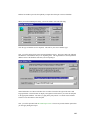
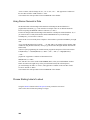
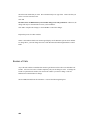
At the Project Wizard window – click-on
Cancel
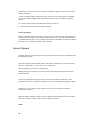
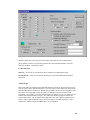
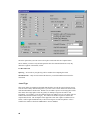
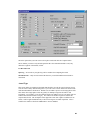
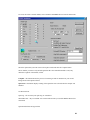
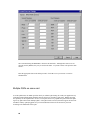
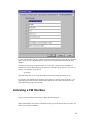
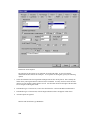
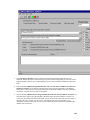
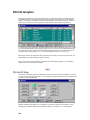
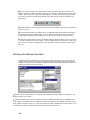
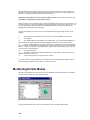
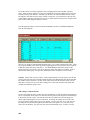
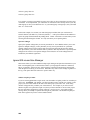
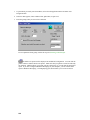
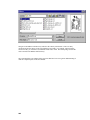
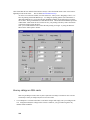
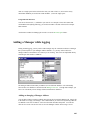
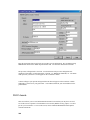
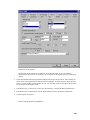
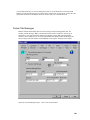
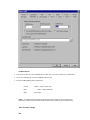
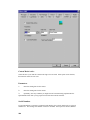
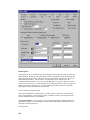
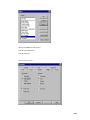
Go to Main Menu / Project / Page Setup .. click-on the Export Media TAB and select
"Preview" – then go to the upper righthand portion of this window and click-on the Green
Checkmark.
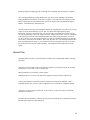
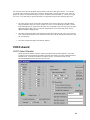
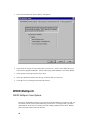
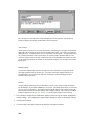
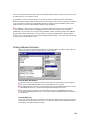
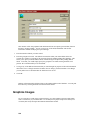
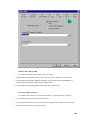
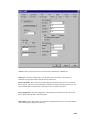
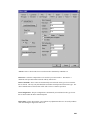
Staying with the Layout window, click-on the Printer Selection TAB.. ensure that the phrase
Use physical paper size and not the printable area
Has a checkmark next to it..
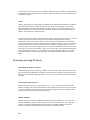
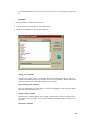
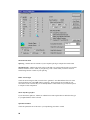
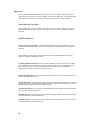
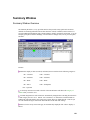
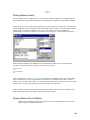
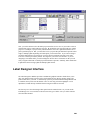
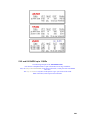
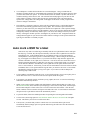
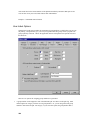
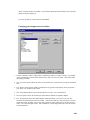
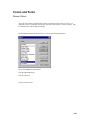
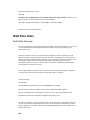
Again, staying with the Layout window, click-on the Templates TAB.. scrolldown to and click-on
K9DD QSL Card. Then click-on OK to get out of the Layout window.
261