1
Vari abl e
Run
Scr een
2
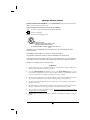
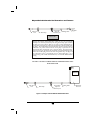
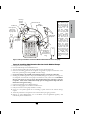
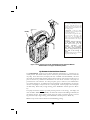
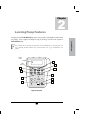
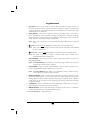
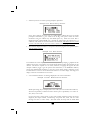
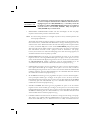
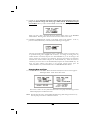
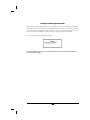
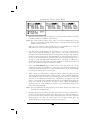
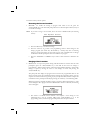
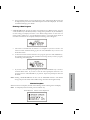
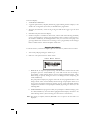
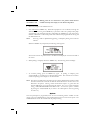
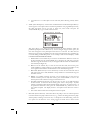
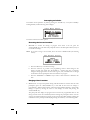
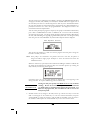
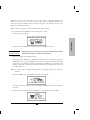
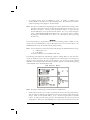
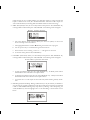
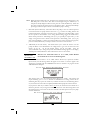
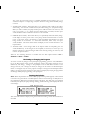
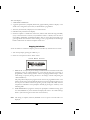
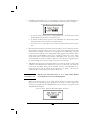
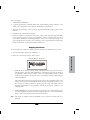
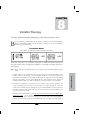
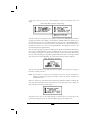
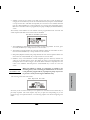
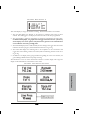
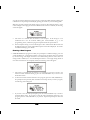
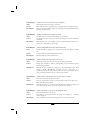
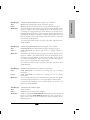
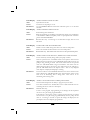
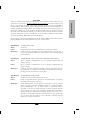
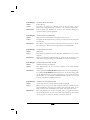
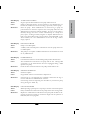
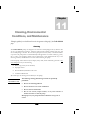
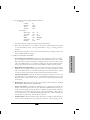
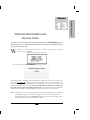
This screen displays as long as the infusion is running. Notice the information on each field:
1
The first field displays the “RATE” of the infusion in whichever units/hour has been
selected. This field toggles to also display the current dose # of total doses programmed.
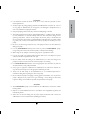
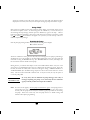
2
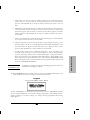
The second field is a graphic bar representing the percentage completed of the current dose.
In CMS-enabled pumps, the graphic bar will toggle with Line Pressure (“L Press”)
which displays the current patient side (downstream) pressure in the administration
set in millimeter of mercury (mmHg) units.
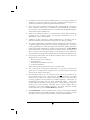
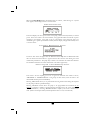
3
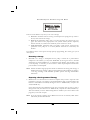
The third field displays Total Volume infused (for entire therapy) and toggles with the amount
infused of the dose in progress, and Total Infused if units are in mg or mcg.
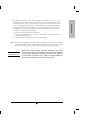
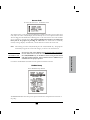
4
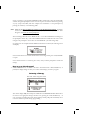
The fourth field displays the remaining time to the completion of the total infusion and
toggles with total remaining volume to be infused, and total remaining amounts if units are in
mg or mcg.
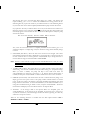
5
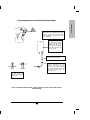
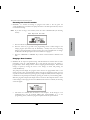
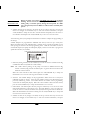
In addition to the display screen giving information regarding the status of the infusion, the
green LED light blinks whenever the pump is infusing.
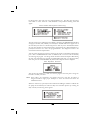
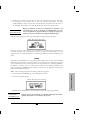
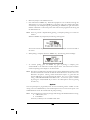
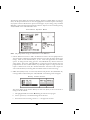
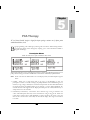
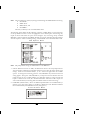
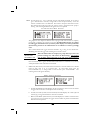
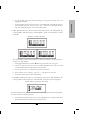
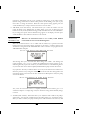
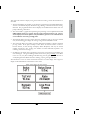
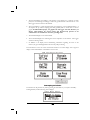
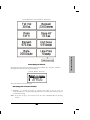
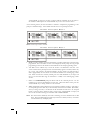
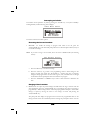
The information on the run screen will alternate between a four-line display and a large-font
display of each individual line of information on the screen.
Vari abl e
I nf orma ti on
Sc r eens
Variable Therapy
113