1
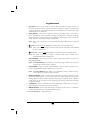
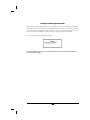
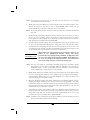
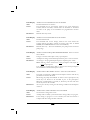
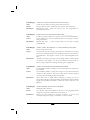
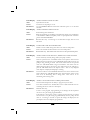
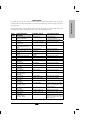
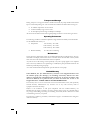
LCD Display:
Alert:
Cause:
Resolution:
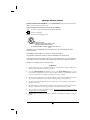
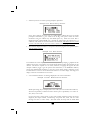
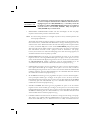
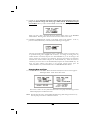
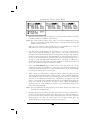
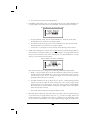
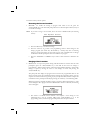
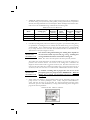
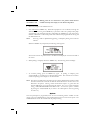
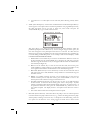
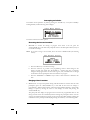
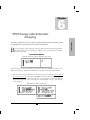
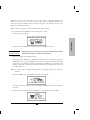
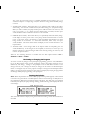
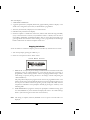
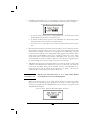
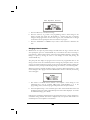
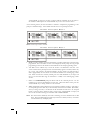
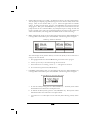
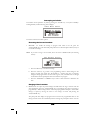
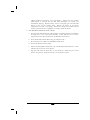
ALERT NOT in PCA. NO BOLUS ALLOWED
Bolus requested when therapy is not PCA
Remote Bolus button or BOLUS key is pressed when not in PCA therapy.
Remove the remote bolus cord from the pump if connected. Refrain from
pressing the BOLUS key.
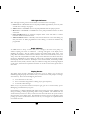
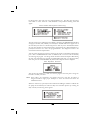
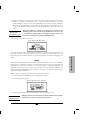
LCD Display:
Alert:
Cause:
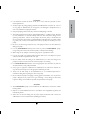
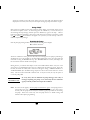
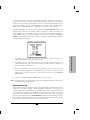
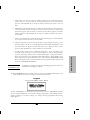
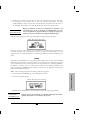
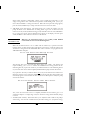
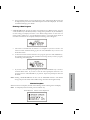
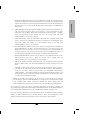
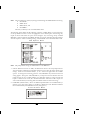
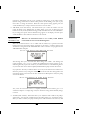
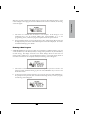
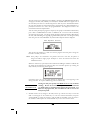
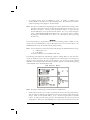
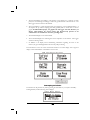
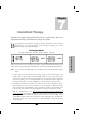
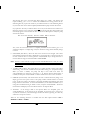
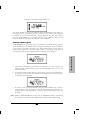
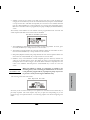
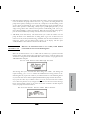
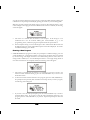
ALERT NUMBER OF DOSES INVALID
Number of doses entered exceeds maximum for therapy
The number of doses per bag in Intermittent therapy exceeds the allowable
maximum.
Recheck data entry. The number of doses requested must be less than or
equal to the maximum for the therapy.
Resolution:
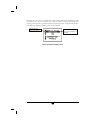
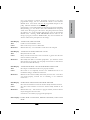
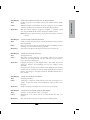
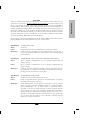
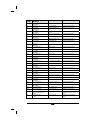
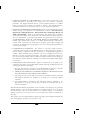
LCD Display:
Alert:
Cause:
Resolution:
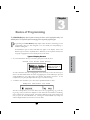
LCD Display:
Alert:
Cause:
Resolution:
LCD Display:
Alert:
Cause:
Resolution:
LCD Display:
Alert:
Cause:
Resolution:
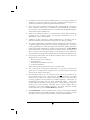
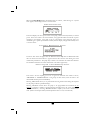
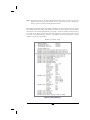
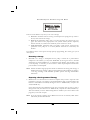
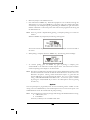
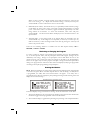
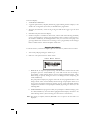
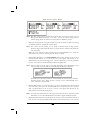
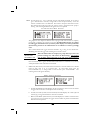
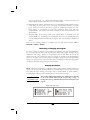
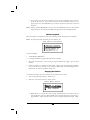
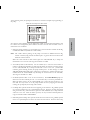
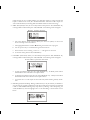
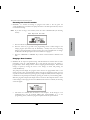
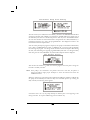
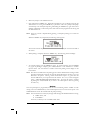
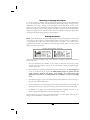
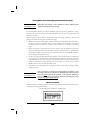
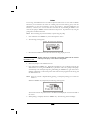
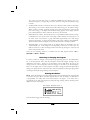
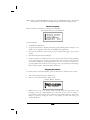
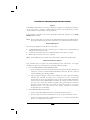
ALERT PERFORM ROUTINE MAINTENANCE
Maintenance Date (displayed only if date has arrived when pump is turned
on)
Current Date is beyond the Maintenance Date.
Return pump for routine maintenance.
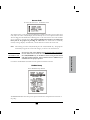
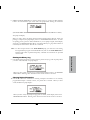
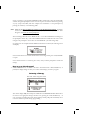
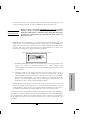
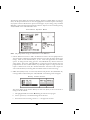
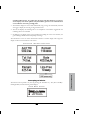
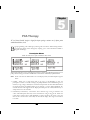
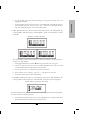
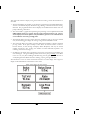
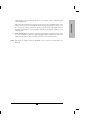
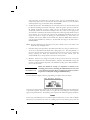
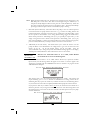
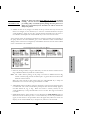
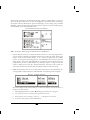
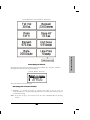
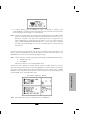
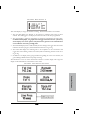
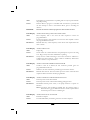
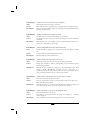
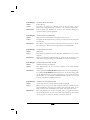
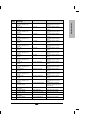
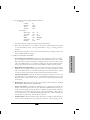
ALERT RAMP INVALID FOR AMT/RATE
Ramp time entered is invalid for amt/rate already programmed
Ramp value entered for TPN is unacceptable given the desired rate and
amount programmed.
Recheck all data entered for prescription. If programming a new TPN
therapy (”NEW PROGRAM” selected) and the ramp time is a
requirement, enter the ramp time(s) and total time first followed by the
next governing parameter (rate or volume to be infused).
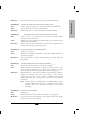
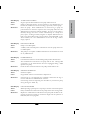
ALERT RATE EXCEEDS DELTA RATE/DELTA TIME
Rate entered exceeds the delta time limits
The rate entered falls outside of the allowable range for the delta rate /
delta time limits programmed.
Recheck data entry or wait more time elapses then attempt to change the
rate. Rate selected cannot exceed the range placed on titration.
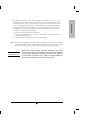
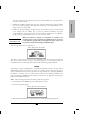
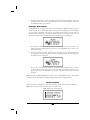
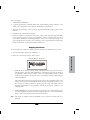
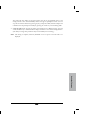
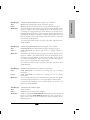
ALERT RUNNING, PAUSE PUMP BEFORE OFF
Pause Infusion before turning off
The OFF key was pressed while the pump was infusing or a running
screen displayed.
Press “PAUSE” key before pressing “OFF” key to stop an infusion.
128