1
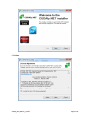
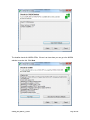
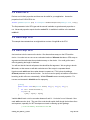
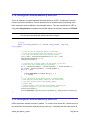
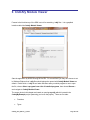
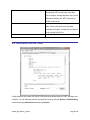
If you are on a developer machine and want to use CUDA you can click Run Test. If there is an
issue then check the log carefully and click Visit CUDA on Windows Website. This will take
you to NVIDIA’s webpage that details how to set-up CUDA on Windows. Click Next.
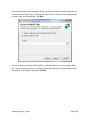
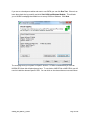
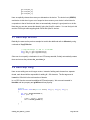
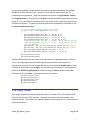
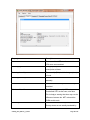
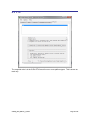
The next page tests your system for OpenCL devices. If CUDA is installed and you have an
NVIDIA GPU then this will also show up here. To use Intel or AMD CPUs or AMD GPUs you will
need to install the relevant OpenCL SDK. You can click on the relevant buttons to access these.
CUDAfy_User_Manual_1_22.doc
Page 11 of 45