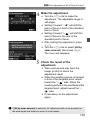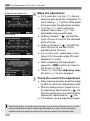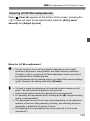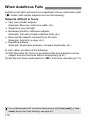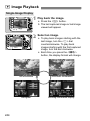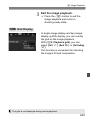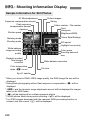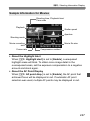
1
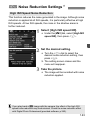
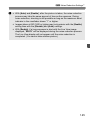
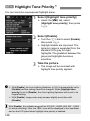
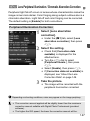
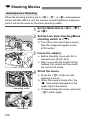
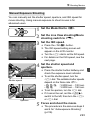
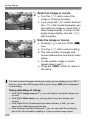
k Playing Movies
1
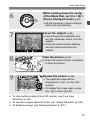
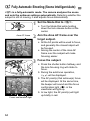
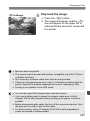
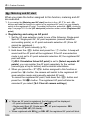
Play back the image.
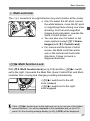
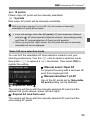
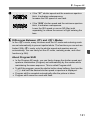
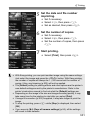
Press the <x> button to display
images.
a movie.
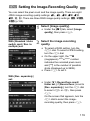
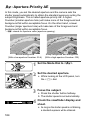
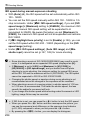
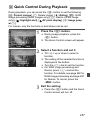
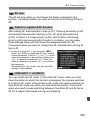
2 Select
Turn the <5> dial to select the
movie to be played.
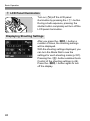
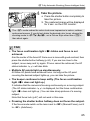
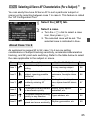
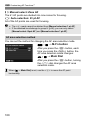
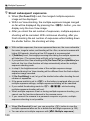
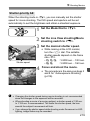
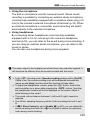
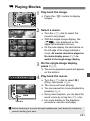
With the single-image display, the
<1s> icon displayed on the
upper left indicates a movie.
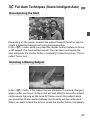
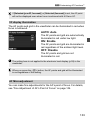
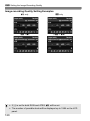
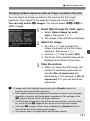
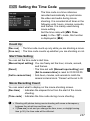
On the index display, the perforations on
the left edge of the image indicates a
movie. As movies cannot be played on
the index display, press <0> to
switch to the single-image display.
the single-image display,
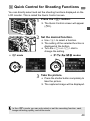
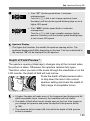
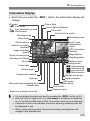
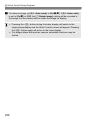
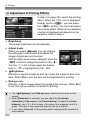
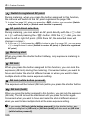
3 On
press <0>.
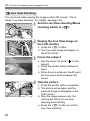
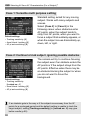
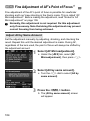
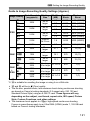
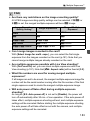
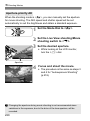
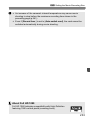
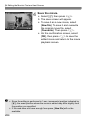
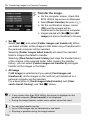
X The movie playback panel will appear
on the bottom.
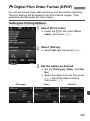
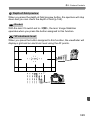
the movie.
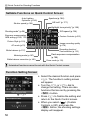
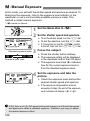
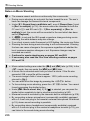
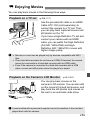
4 PlayTurnback
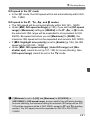
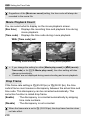
the <5> dial to select [7]
Speaker
(Play), then press <0>.
X The movie will start playing.
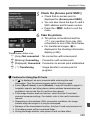
You can pause the movie playback by
pressing <0>.
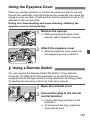
During movie playback, you can adjust the
sound volume by turning the <6> dial.
For more details on the playback
procedure, see the next page.
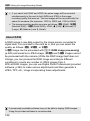
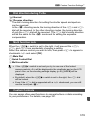
Before listening to a movie through headphones, tone down the volume to
prevent hurting your ears.
261