1
82: Custom Controls
: One-touch image quality setting
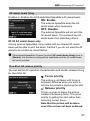
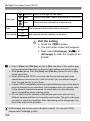
When you press the button assigned to this function, you can switch to
the image-recording quality set here. While the camera switches the
image-recording quality, the image-recording quality will blink on the
LCD panel. After the shooting ends, the One-touch image quality setting
will be canceled and the camera will switch back to the previous imagerecording quality.
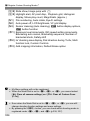
*5: In step 3 on page 321, if you press the <B> button, you can select the imagerecording quality for this function to switch to.
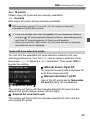
: One-touch image quality (hold)
When you press the button assigned to this function, you can switch to
the image-recording quality set here. While the camera switches the
image-recording quality, the image-recording quality will blink on the
LCD panel. Even after shooting, the One-touch image quality setting will
not be canceled. To revert to the previous image-recording quality
setting, press the button assigned to this function again.
*5: In step 3 on page 321, if you press the <B> button, you can select the imagerecording quality for this function to switch to.
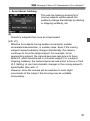
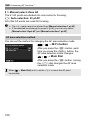
: Image quality
Press <0> to display the image-recording quality setting screen
(p.119) on the LCD monitor.
: Picture Style
Press <0> to display the Picture Style selection setting screen (p.129)
on the LCD monitor.
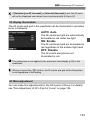
During the switch to the One-touch image quality setting, <h> can be
displayed in the viewfinder (p.318).
328