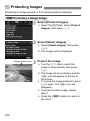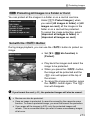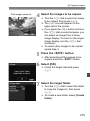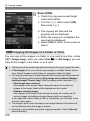
1
3 Registering My MenuN
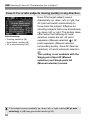
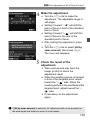
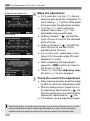
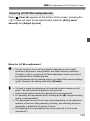
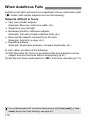
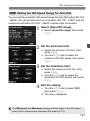
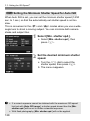
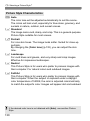
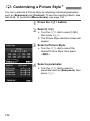
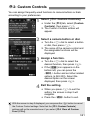
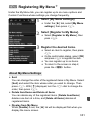
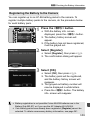
Under the My Menu tab, you can register up to six menu options and
Custom Functions whose settings you change frequently.
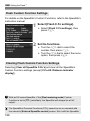
1
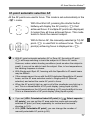
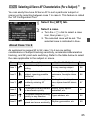
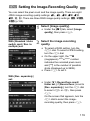
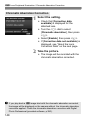
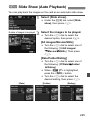
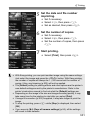
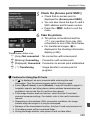
Select [My Menu settings].
Under the [9] tab, select [My Menu
settings], then press <0>.
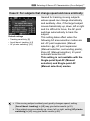
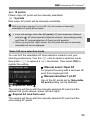
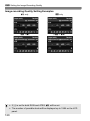
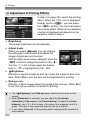
[Register to My Menu].
2 Select
Select [Register to My Menu], then
press <0>.
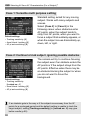
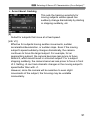
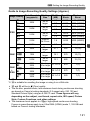
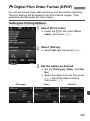
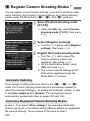
the desired items.
3 Register
Select an item to register, then press
<0>.
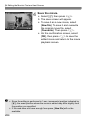
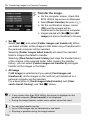
On the confirmation dialog, select [OK]
and press <0> to register the item.
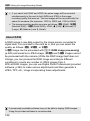
You can register up to six items.
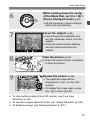
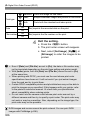
To return to the screen in step 2,
press the <M> button.
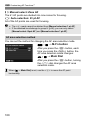
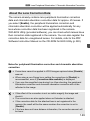
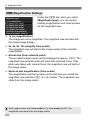
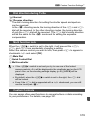
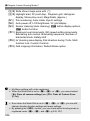
About My Menu Settings
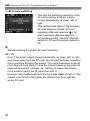
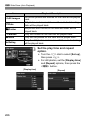
Sort
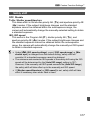
You can change the order of the registered items in My Menu. Select
[Sort] and select the item whose order you want to change. Then
press <0>. With [z] displayed, turn the <5> dial to change the
order, then press <0>.
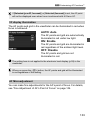
Delete item/items and Delete all items
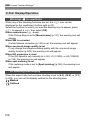
You can delete any of the registered items. [Delete item/items]
deletes one item at a time, and [Delete all items] deletes all
registered items.
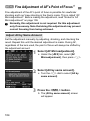
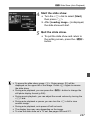
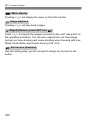
Display from My Menu
When [Enable] is set, the [9] tab will be displayed first when you
display the menu screen.
331